
Key takeaway
Before starting a website build, freeze one active version and deliver five essentials: vector and transparent PNG logos, uncompressed photos with usage notes, raw QR exports with target links, editable copy/specs, and a per-item license ledger—never a blanket 'copyright-free' guarantee.
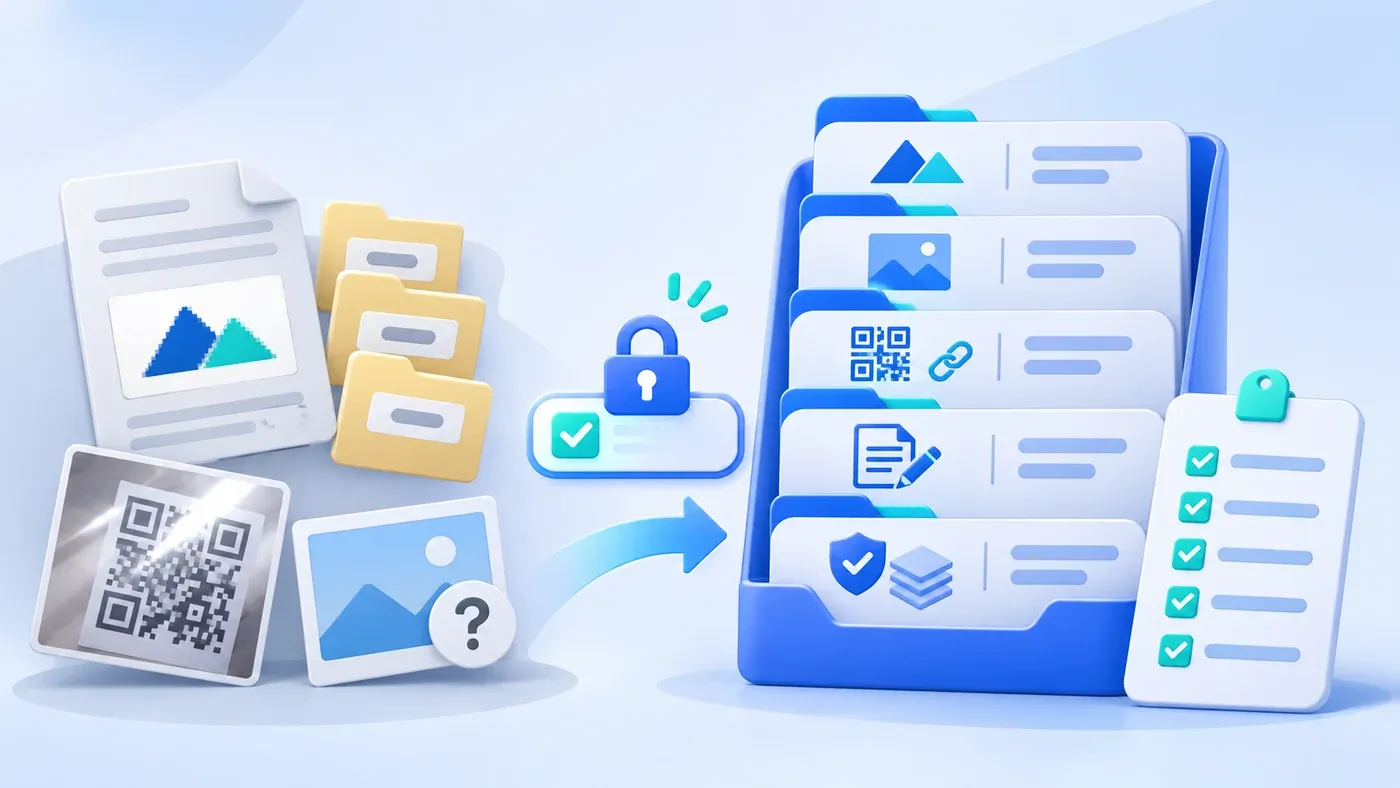
Right after signing a website contract, implementation teams often receive a messy kickoff link: a Word document with a white-box logo screenshot pasted inside, three folders labeled Logo-Final, Logo-Final-2, and Use-This-One, two glared phone snapshots of QR codes on a laptop screen, and a dozen images named image1.jpg with zero record of who owns them. Before design starts, days disappear figuring out which logo is current and whether those images are safe to publish.
Rather than sharing your entire internal drive, deliver a single version-locked Website Kickoff Asset Package covering five core categories: vector and transparent PNG logos, uncompressed high-resolution photos with disclosure notes, raw official QR exports paired with destination links, editable copy and spec tables, and a per-item font and third-party license ledger.
Draw the Line First: Kickoff Handoff vs. Daily Media Governance
In our guide on How to Run a Company Media Library, we covered the four-zone structure and weekly intake routines for ongoing content teams. A website kickoff handoff is different—it is a focused, one-time transfer governed by three rules:
- Freeze one active version: Strip out legacy logos, superseded spec sheets, and
Final_v1/v2/v3clutter so designers and developers work from a single current source. - Hand over clean masters, not pre-shrunk web files: Your build team will handle responsive resizing, compression, and alternative text closer to launch; sending small thumbnails upfront degrades high-DPI rendering.
- Bundle files with provenance: Any visual lacking clear usage rights during kickoff becomes an eleventh-hour launch blocker.
Five Core Asset Categories and Exact Handoff Specifications
1. Brand Marks (Logos): Vector Masters First, Backed by Transparent PNGs
Pasting a logo into Word or sending chat screenshots triggers compression artifacts and opaque white backgrounds on dark footers or mobile headers. Per the MDN Web Docs Image File Type and Format Guide, SVG renders shapes cleanly at any size for logos and icons, while lossless PNG supports transparency (alpha channel) and sharp edges—unlike lossy JPEG, which lacks an alpha channel and blurs text or crisp borders.
Deliver: vector masters (SVG, AI, or outlined EPS/PDF), high-resolution transparent PNG backups, contrast and layout lockups (light-background primary, dark-background white, square favicon mark, plus HEX/RGB values), and zero conflicting draft folders.
2. Real Business, Office, and Project Photography: Uncompressed Originals Plus Scope Notes
Blurry webpages usually stem from 600px images saved off old sites or compressed over chat, while camera dumps like IMG_0023.JPG leave designers guessing what is shown. Under Google Search Central's Google Image SEO Best Practices, high-resolution sharp photos improve preview quality, representative images (such as og:image) should avoid extreme narrow/wide ratios or generic site logos/text-heavy graphics, filenames should be short and descriptive (localized across languages), and extensions must match true file types.
Supply uncompressed full-resolution originals (mainly landscape framing with crop margins, never stitched multi-photo collages) and explicitly tag disclosure limits per project (public display cleared / requires redaction / brand mark only).
3. Official Contact QR Codes and Chat Channels: Raw Exports Paired with Text Targets
Photos snapped off a monitor introduce glare and moiré patterns, while unlabeled squares leave engineers guessing between official accounts and sales contacts. Export crisp PNG or SVG files directly from official platforms (keeping full quiet-zone white margins intact) and pair them with plain-text routing specs: WeCom acquisition URLs for Chinese pages, full international WhatsApp digits with pre-filled English greetings for international pages, plus target page placement and active responders.
4. Company Copy, Product Specs, and Legal Strings: Editable Text Only
Scanned brochure PDFs and flattened spec screenshots cannot be searched by visitors or crawlers, shrink illegibly on mobile, and block minor edits. Deliver copy, FAQs, and parameter tables in .md, .docx, .xlsx, or .csv files—including exact statutory company names, consistent brand spelling (such as ChengXuYuan), and plain-text registration or filing strings. On bilingual builds, clearly separate reviewed English copy from pending translations instead of slipping in unedited machine output.
5. Font and Third-Party Source Records: The Missing Fifth Asset Class
Even if your site prioritizes open-source web fonts and original shoots, any brand fonts, stock photos, or external screenshots supplied by your team must ship with verifiable provenance.
Why You Cannot Offer a Blanket "Copyright-Free" Guarantee on Third-Party Assets
- Confirm the active version
- Prepare source files
- Record source and allowed scope
- Check language and placement
Clients often ask at kickoff: "We found these on a free site—or bought that font for print—so we're 100% safe online, right?" Neither an agency nor an internal coordinator should ever issue a blanket "zero copyright risk" guarantee on third-party stock images, commercial fonts, identifiable portraits, or client screenshots. Limits routinely hide in the fine print:
- "Free download" rarely equals unrestricted commercial web rights: Many stock libraries require attribution, block commercial ad usage, or forbid template redistribution.
- Desktop print licenses rarely cover web embedding: Buying a font for brochures does not automatically grant server
WOFF2web-font or subdomain rights. - In-house shoots still carry portrait and third-party mark boundaries: Recognizable staff faces, customer logos, and live software screens depend on signed releases or NDAs.
Replace verbal assurances with one auditable rule: log four provenance fields per external asset—license proof, source URL or vendor, permitted usage scope (placements, attribution, expiry), and cleared locales/regions. Anything missing a field stays marked Pending Hold and is swapped for verified shoots, compliant open-source resources, or custom diagrams before launch.
Pre-Build Website Brand & Business Asset Handoff Specification Table
Asset Category | Recommended Format & Spec | Versioning & Naming Standard | Common Rejection Triggers | Source & Rights Documentation |
|---|---|---|---|---|
1. Brand Marks (Logos) | | Freeze one active folder; delete | Word screenshots, white-box | Confirm internal ownership or design assignment; attach font licenses if custom |
2. Real Business & Project Photos | Uncompressed high-res | Short descriptive names replacing | 600px chat saves, stitched photo collages, using a site logo as | Log shoot date, rights holder, and client NDA scope (full / redacted / mark only) |
3. Contact QR Codes & Channels | Raw | Tag locale, page placement, and active responder | Glared monitor snapshots, oversized center stickers, mixing WeCom onto | Pair with plain-text WeCom URLs or full international WhatsApp numbers |
4. Company Copy, Specs & Legal Text | Editable | Separate finalized items from pending English reviews | Scanned PDFs or flattened | Name factual reviewer; avoid passing unedited machine translation as ready |
5. Fonts & Third-Party Ledger | Original files + searchable | Map filenames 1:1 to rows marked | Verbal "free download is safe" claims or font files lacking web-use proof | Record license proof, source URL/vendor, permitted scope, and cleared locales |
Copy-Ready Website Kickoff Asset Folder & Checklist
Use this structure alongside our Website Project Preparation Checklist to align legacy URLs and phase-one scope. Below includes an explicitly labeled hypothetical ledger sample:
[Recommended Website Kickoff Asset Folder Structure]
website-asset-handoff/
├── 01-brand-logo/          (brand-logo-color.svg, transparent .png, reversed-white.svg, favicon.svg, colors.md)
├── 02-real-photos/         (company-workshop-overview.jpg, product-front.png, case-disclosure-notes.md)
├── 03-contact-qrcodes/     (wecom-zh-raw.png, wechat-official-raw.png, contact-links-and-owners.md)
├── 04-copy-and-specs/      (company-services-zh.docx, company-services-en.docx, product-specs.xlsx)
├── 05-licenses-and-sources/
│   ├── ASSET-LICENSE-LEDGER.csv
│   └── receipts-and-permits/
└── HANDOFF-CHECKLIST.md    (Handoff date, single version tag, internal & build coordinators)

--------------------------------------------------
[ASSET-LICENSE-LEDGER Sample — Hypothetical Example: Precision Components Co., Ltd.]

Row 1 (Cleared): 01-brand-logo/brand-logo-color.svg
- Source: Internal design final, 2026-08 (Hypothetical Example) | Proof: Company-owned registered mark
- Scope & Locales: Header, footer, brand pages (do not use alone as article og:image); zh / en | Status: Cleared

Row 2 (Hold & Replace): 05-licenses-and-sources/pending-stock-sample.jpg
- Source: Public download page with no license receipt (Hypothetical Example) | Proof: Missing
- Scope & Locales: Unverified | Status: Pending Hold (Replace with original shoot or newly licensed asset)

--------------------------------------------------
[8-Point Pre-Handoff Verification Checklist]
- [ ] 01-brand-logo/ holds one active version only; pasted Word screenshots and v1/v2/v3 duplicates are removed; text is outlined with transparent PNG backups.
- [ ] 02-real-photos/ holds uncompressed originals with descriptive names, accurate extensions, and project disclosure notes.
- [ ] 03-contact-qrcodes/ uses raw platform exports (not monitor photos) paired with plain-text WeCom/WhatsApp targets and owners.
- [ ] 04-copy-and-specs/ stores all copy, specs, and legal strings in editable files with bilingual review status marked.
- [ ] 05-licenses-and-sources/ logs license proof, source URL, permitted scope, and cleared locales for every font and external asset.
- [ ] Unverified third-party files remain isolated as Pending Hold rather than mixed into approved build folders.
- [ ] Root manifest lists submission date, version tag, and client/agency reviewers.
- [ ] Contents align with planned sitemap, legacy URLs, and post-launch update ownership.
Spending half a day assembling these five folders and one provenance ledger saves weeks of mid-build file hunts and pre-launch pullbacks. If you are preparing a new build or redesign, explore our Corporate Website & Standalone Site Services or bring your current folder and draft ledger to walk through what is ready and what still needs clearance.
