Reaching different markets
Markets differ in product priorities, terminology and contact preferences. Begin with the audience and business goal that matter most.

Plan a website for overseas customers with product presentation, language switching, content maintenance and inquiry paths designed together.
Start with your priority markets and customer questions. Organise products, services and collaboration information before planning the language versions and visitor journeys.
Markets differ in product priorities, terminology and contact preferences. Begin with the audience and business goal that matter most.
Bring product information, images, terminology and translations into a clear content inventory, with named maintenance and review responsibilities.
Choose WhatsApp, email or forms for each language and define who receives and follows up inquiries, giving visitors a clear next step.
Connect arrival from search or a shared link with understanding the offer, exploring real work and starting an inquiry.
Make language options clear and link to the corresponding content. Decide how visitors should be guided when a translation is still being prepared.
Organise products and services around customer questions, with clear use cases, collaboration information and real project details.
Keep contact options, form instructions, submission feedback and follow-up aligned with the language the visitor is using.
Choose the markets to prioritise, then combine the page structure, languages, design, development, search foundations and inquiry handling.
Define the audience, offer and inquiry goal, then list the home page, key pages and essential first-release content.
Agree product names and terminology, with clear ownership of translation, business review and publication across the language versions.
Build clear pages and mobile experiences, with stable URLs, language relationships and ongoing content maintenance in mind.
Set up WhatsApp, email or forms around visitor preferences, then assess connections with the business tools you already use.
Define update ownership for products, services and project information so every language version has a sustainable maintenance process.
Have a business owner check product information and specifications, with translations reviewed against the agreed terminology before publication.
Identify shared information such as products, prices and contact details, then flag the pages and languages affected by each update.
Prioritise key markets, products and contact pages, then use actual visits and customer feedback to guide further updates.
Walk the customer journey across languages, content and inquiry delivery, then hand over the update process.
Check product names, terminology, specifications and contact details, with a final reviewer assigned to each language.
Check language switches, old link destinations and mobile interactions from the key pages, keeping visitors on meaningful paths.
Check chat links, email or forms against the real reception accounts, including ownership, page language and submission feedback.
Define ownership of shared materials, translations, editing and publication so product changes can be reflected in the relevant pages.
Explore this direction through existing work.
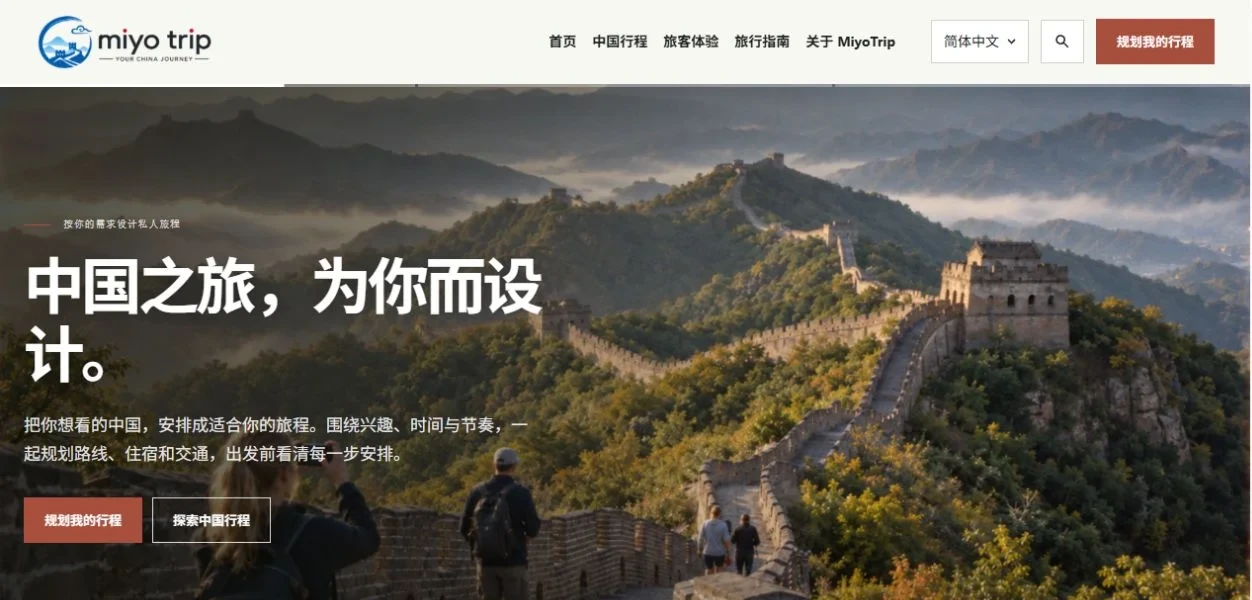
These historical pages present itineraries, experiences and inquiries as a reference for organising a standalone website.
View projectExplore how content and inquiry journeys can help visitors evaluate your offer.
All insightsClarify language, content and reception responsibilities before choosing the domain structure and tools.
Start with the priority market and essential content. Maintain the language versions coherently, then choose language paths, a subdomain or a separate domain around your audience and operations.
Agree the source materials, product terminology and responsibility for translation, business review and publication. AI can assist with drafts; a knowledgeable reviewer should check terminology and specifications.
Identify the tools, reception accounts, required fields and available interfaces. Assess chat links and customer-record integration separately; opening a chat does not itself synchronise customer data.
Websites / Business systems / AI applications

Scan with WhatsApp or open the chat below.