
Key takeaway
A service page FAQ should not dump 20 random questions at the bottom or disguise self-praise as Q&A. Put core scope and deliverables directly in main page sections, and place 4–6 focused FAQs right above the inquiry CTA to resolve lingering doubts on fit, prep inputs, pricing logic, and handover.
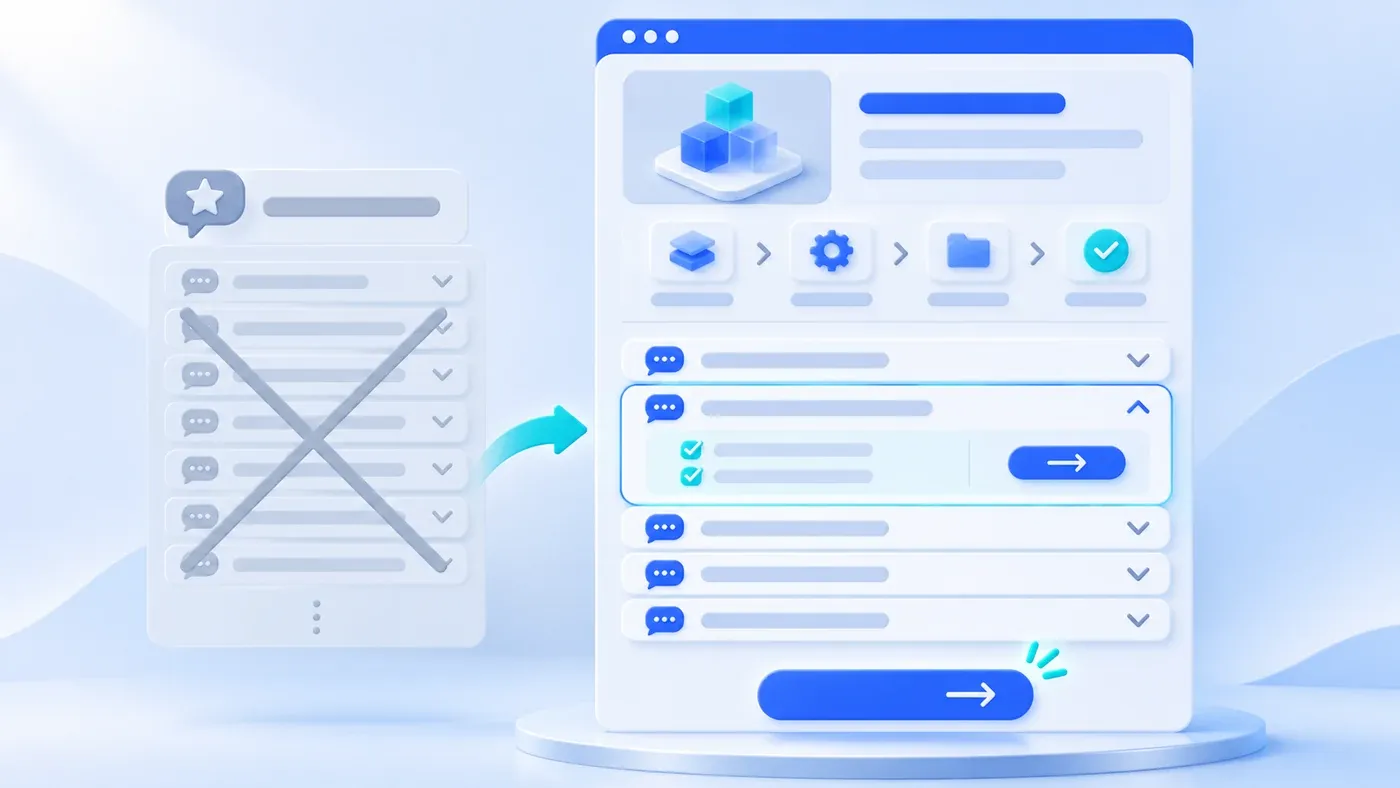
On many corporate service pages, the Frequently Asked Questions (FAQ) section is treated as an afterthought. Teams usually fall into one of two traps: either they dump 20 or more unorganized questions—ranging from tax invoice IDs to deep technical troubleshooting—into a massive accordion at the bottom of the page, or they write disguised self-praise ("Why choose us?", "Why is your team the industry leader?").
Neither habit helps a hesitant B2B buyer decide. When a prospective client scrolls two-thirds of the way down your service page, they are not looking for another round of slogans, nor do they want to click through two dozen collapsed drawers. They are running a final risk check before reaching out: Does my situation fit their scope? Can we start if our internal materials are incomplete? How are pricing and timelines determined? And once the project launches, can our team update content ourselves?
To make service page FAQs genuinely helpful, follow two structural rules: First, never hide core scope, deliverables, or collaboration steps inside collapsed accordions—those belong in your main body sections. Second, place a curated block of 4 to 6 real decision-focused FAQs directly above your bottom consultation CTA, answering each with a clear verdict, the governing conditions, and a natural next step.
The four-to-six-question range below is a prioritization example, not an SEO quota. Keep only questions that answer a remaining reader concern; do not repeat information already clear in the main page.
Why 20-Question Accordions and Self-Praising Q&As Fail
Bloated service page FAQs usually happen when sales, delivery, and legal teams each submit common questions and the editor stacks all 25 into an accordion rather than cutting anything. Other teams stuff the bottom of the page with repetitive keyword questions hoping to boost search rankings. Both approaches backfire:
- Self-congratulatory pseudo-questions erode trust: When a project coordinator opens an FAQ hoping to learn how scope changes work and instead reads, "Q: Why is your design team so outstanding? A: Because our seasoned experts pursue excellence," they know the page is dodging operational reality.
- Long, ungrouped accordions cause interaction fatigue: Clicking fifteen drawers on a phone screen is tedious. When critical pre-sales doubts (like preserving legacy URLs during a redesign) are mixed with administrative trivia (like mailing addresses), buyers miss the answers needed for internal approval.
- Keyword-stuffed Q&As do not help search performance: As Google Search Central's guide on creating helpful, reliable, people-first content emphasizes, pages should be written to help real visitors accomplish their task rather than repeating superficial phrases for search engines. Furthermore, Google Search Central's General Structured Data Guidelines state that marked-up content must represent the main page content, remain visible to users, and never guarantees rich result display.
If your team needs to maintain dozens of multi-step troubleshooting guides, version-specific rules, or internal policies, a service page accordion is the wrong container. As we explain in The Difference Between an FAQ and an Enterprise Knowledge Base, a service page FAQ is a lightweight pre-sales foyer to clear shared doubts, while complex branching documentation belongs in a structured knowledge base.
Four Real Buyer Hesitation Points—and Where They Belong
As a business owner or project coordinator reads down a B2B service page, their questions surface in a predictable order. Mapping these four hesitation points determines what belongs in plain sight versus inside the FAQ block:
1. Scope and Fit Doubts: "My situation isn't a clean-slate build—does this still apply?"
After reading your standard offering, buyers test edge cases against their reality: "We have a five-year-old website; can you redesign it without losing our existing articles?" or "Can we build only the English standalone site first?"
- Placement: Standard workstreams and typical client starting points belong directly in the upper-page Scope and Who It's For sections. Edge-case confirmations—such as legacy redesigns or modular scoping—belong in FAQ items 1–2.
2. Material Readiness Doubts: "Are we reaching out too early if our copy isn't finished?"
Custom B2B services require client collaboration. Seeing a multi-stage roadmap often triggers hesitation: "We only have rough slide decks and product sheets right now—do we need finalized copy before contacting you?"
- Placement: Review milestones belong in your Delivery Process or Preparation section. Use one FAQ item to reassure visitors they can start with existing materials and refine missing pieces during discovery—linking directly to a practical tool like our Website Project Preparation Checklist.
3. Timeline and Pricing Logic Doubts: "With no fixed price tag, how are budget and schedule determined?"
Bespoke software, design, and engineering services cannot list a single retail price, but ignoring cost and schedule makes buyers worry about arbitrary pricing.
- Placement: Show phased delivery in the main body, and dedicate one prominent FAQ item to "How are project cost and timeline determined?" Skip artificial bait prices; instead, list the four or five variables that drive effort (page types, content readiness, languages, CMS roles, and integrations) and explain how you scope a Phase 1 deliverable list before quoting.
4. Handover and Maintenance Doubts: "Can we update content ourselves after launch?"
Before recommending a vendor internally, coordinators must confirm they will not pay a fee every time a headline or photo changes.
- Placement: Summarize CMS capabilities in your Content Management section, and reinforce handover rules in the final one or two FAQ items—confirming which sections editors can update independently, how role permissions work, and how accounts and assets are handed over.
Main Body Copy vs. Collapsible FAQ: A Placement Matrix
- Essential for every visitor
- Keep in the main content
- Situation-specific clarification
- Place near the inquiry decision
Use this matrix when auditing a service page. Left-column items must sit openly in main body sections; only right-column items belong in your collapsible FAQ block:
Buyer Hesitation Area | Must Be Written Directly in Main Body Sections (Visible to All) | Suitable for the Curated 4–6 Collapsible FAQ Block (Edge Cases) | Recommended Page Position |
|---|---|---|---|
Service Scope & Fit | Core problem solved, 4–5 included workstreams, and 3 client starting points | Can an existing legacy site or system be redesigned? Can we scope a single module? | Body in Hero & Section 2; Q&A in FAQ items 1–2 |
Technical Standards | Responsive design, CMS setup, and foundational search readiness | Can legacy URLs and articles be preserved? How are mobile and browser checks run? | Body in Scope section; Q&A in middle of FAQ block |
Material Readiness | Phase-by-phase workflow and tangible deliverables at each review gate | What if our copy and visuals aren't finalized yet? What is needed for a first call? | Body in Process & Prep sections; Q&A linked to Prep Checklist |
Pricing & Timeline Logic | Separation between Phase 1 essentials and Phase 2 extensions | Which concrete factors determine project cost and delivery schedule? | Body in Discovery step; Q&A in top half of FAQ block |
Handover & Maintenance | Role-based CMS permissions (Admin vs. Editor) and handover step | Can our team update text and images after launch? How do future layout updates work? | Body in CMS & Handover steps; Q&A right above bottom CTA |
On our Corporate Website & Standalone Site Services page, the five core workstreams, three starting points, and seven delivery stages sit openly in the main body. Directly between the preparation checklists and the bottom consultation block, we place only six focused FAQs covering legacy redesigns, cost and timeline drivers, multilingual and CMS scope, mobile checks, legacy URL preservation, and post-launch editing—letting buyers clear final doubts in 30 seconds before inquiring.
Curated 4–6 Service Page FAQ Template (With Pseudo-Question Rewrites)
Test every draft question against the hypothetical comparison below to strip out self-serving "pseudo-questions":
Dimension | Self-Praising "Pseudo-Question" (Hypothetical Bad Example — Delete) | Decision-Enabling "Real Question" (Hypothetical Good Example — Keep) |
|---|---|---|
Question Framing | [Hypothetical Example] "Why should you choose our team for your website or custom system?" | [Hypothetical Example] "We have an existing website with years of articles—can we redesign it without breaking old URLs?" |
Answer Focus | Vague adjectives: "We have a world-class team of senior experts and cutting-edge technology that guarantees success." | Verdict + method + boundary: "Yes. We inventory existing URLs, articles, and downloads first, preserving valid paths and mapping changed URLs with permanent redirects while monitoring search performance post-launch." |
Buyer Reaction | Dismisses it as sales fluff and still worries about losing legacy pages. | Sees the exact operational method and feels safe sharing their current URL. |
Keep each FAQ answer to 50–80 English words in three sentences: 1. Direct verdict ("Yes," "It can be combined modularly," or "It depends on four factors"); 2. Method and governing conditions; 3. Low-friction next step. Copy the template below and place it right above your bottom consultation CTA:
[Service Page Curated FAQ Block Template — 4–6 Questions Above Bottom Consultation CTA]

Q1 (Legacy Assets & Modular Fit): Can an existing [website / system] be redesigned, or can we scope a single module?
- Verdict & Method: Yes. We inventory your existing pages, articles, and downloads first to confirm what stays and what changes.
- Next Step: Share your current URL or screenshots when reaching out so we can review the scope together.

Q2 (Pricing & Timeline Drivers): How are project cost and delivery timeline determined?
- Verdict & Method: They depend on page types, content readiness, languages, CMS features, and integrations. We break out a clear Phase 1 deliverable list before estimating cost and schedule rather than guessing by page count alone.
- Next Step: Mention any target launch dates (such as a trade show) in your inquiry so we can prioritize Phase 1 essentials.

Q3 (Material Readiness): Can we start if our final copy and visuals are not completely ready yet?
- Verdict & Method: Yes, we can start from existing brochures, product sheets, or reference links to lock down page structure first while visual and copy assets are completed in parallel.
- Next Step: Review our [Project Preparation Checklist] to see what is helpful to bring to a first conversation.

Q4 (Multilingual & CMS Scope): Does the service include [multilingual versions and a content backend]?
- Verdict & Method: Both can be combined. We align upfront on which sections need updates, which languages launch first, and who edits vs. approves content before configuring CMS permissions.
- Next Step: If you are deciding between simultaneous or staged language launches, we can compare the effort during our scoping call.

Q5 (Legacy URLs & Device Checks): Will [existing links be preserved / the site adapt to mobile devices]?
- Verdict & Method: Valid legacy URLs are kept, changed paths receive mapped redirects, and navigation, text, images, and forms are verified across primary desktop and mobile devices.
- Next Step: Let us know before kickoff if you have specific target browsers, devices, or priority legacy URLs.

Q6 (Post-Launch Self-Service): Can our internal team update content ourselves after launch?
- Verdict & Method: Yes. Articles, products, and routine copy are built into the CMS; at handover, we provide accounts, role permissions, and operating guides alongside options for future layout changes.
- Next Step: Have another question? Reach out via the consultation form below, WhatsApp, or WeCom.
A quick test confirms whether your service page FAQ works: if a careful buyer read only those four to six Q&As right above your contact form, would they understand your working boundaries and feel ready to talk? Check how we apply this structure on our Corporate Website & Standalone Site Services page, or send your current service page URL through our consultation page to review which buyer questions belong in your main copy and which belong in a focused FAQ block.
