
Key takeaway
Freeze the source sheet. For each column, write its meaning, target field, and rewrite rule. Automate only values with one clear reading. Ditto marks, blanks, and unknown spellings stay on an exception list. Review every exception and a sample of rewritten rows. Do not publish an unchecked cleanup percentage.
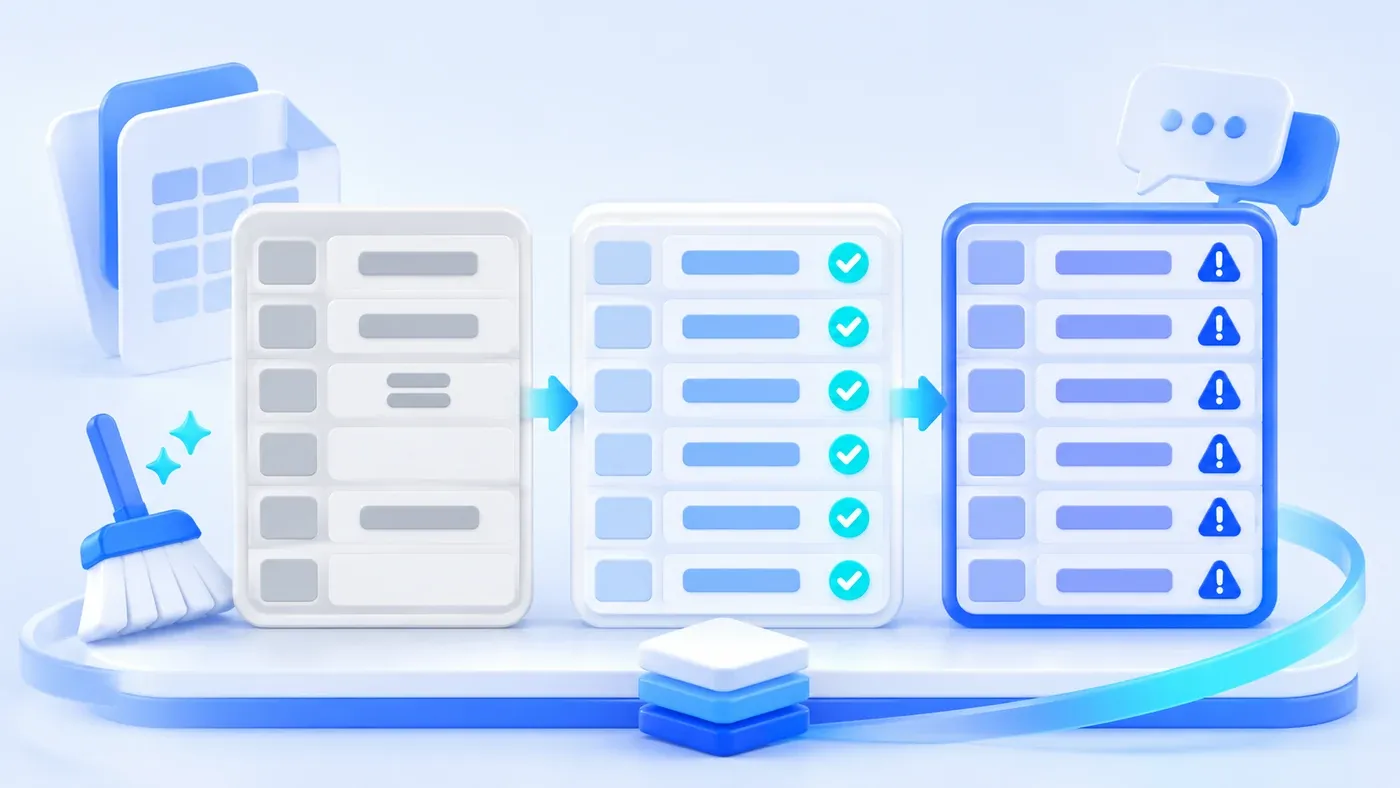
Consider a hypothetical case. An old order sheet is about to move into a system. Some customer names are blank, some say "same as above." The city column contains "Hangzhou," "Hangzhou City," and "same as above." Amounts include full-width digits with a currency word, and one cell says "to be discussed." If cleanup fills the blanks, copies the previous customer into every "same as above," and then calls the sheet clean, the original meaning was lost in that step.
Cleanup before migration should hand over three things: an untouched original, a rewrite rule for each column, and an exception list for values the rules do not cover. Automate a value only when it has one clear reading. Stop for a person on the rest. Do not report a percent complete that nobody has checked.
Freeze the source, then change nothing in it
At the start, copy the source file and put the extract date in the name. Do not edit that copy again. Write every rewrite into a new column or a new sheet. The original column stays so that later you can still see what the cell said when this value entered the system.
Overwriting the original makes a sample check impossible. The business sees a strange new value and can no longer tell whether it came from "same as above" or from a real name. Freezing the file is not just another backup. It means every changed cell can still be compared.
Also write the batch boundary: which file, which sheet, how many rows, which day it was taken. Rows added later do not slip into this batch. They are a later batch, or the exception list will not match the row numbers.
Write a rule per column instead of handing over the whole sheet
Describe every column in the same small table. A column whose meaning nobody can state should not be migrated yet. A field dictionary says what the target field is. This step says how an old cell becomes that field.
Source column | Meaning | Safe to rewrite automatically | Must become an exception |
|---|---|---|---|
Customer name | Who placed the order | Trim spaces only. Do not fuse different spellings into one customer | Blank; "same as above"; similar to another row but with a different ID |
City | Ship-to city | Only replacements on an agreed list, such as "Hangzhou City" to "Hangzhou" | "Same as above"; spellings not on the list |
Amount | Amount due for the row, in yuan | Remove thousands separators and the currency word, turn full-width digits into half-width, and accept only when one number remains | "To be discussed," "about 1200," blank, two numbers in one cell |
Status | Progress at the time | Only words on the map, such as "completed" to the target status "closed" | "OK," slang, blank |
Date | Order date | Convert only when year, month, and day are all known | "March 4" with no year; text that does not parse |
Someone signs the lookup lists, even if that someone is the business owner. An automatic rule does not get to go further than those lists.
"Same as above" must not copy the previous row. The previous row may itself say "same as above," or it may be a different customer. Put it on the exception list and let a person type the real value, or decide the row does not migrate.
The exception list is a deliverable, not a failed cleanup
Give the list at least: row number, source column, original value, why it stopped, a suggested handling, the business decision, and who decided. A suggestion may say "might be the same customer as row 12." A suggestion is not a merge.
Empty required fields go on the list too. Do not invent a default customer, a default city, or a zero amount to make the row count look finished. If a zero amount is a real gift, the source should already have said 0. Cleanup does not get to invent it.
Rows that were rewritten automatically keep the original value beside the new column. They do not all need to be copied onto the exception list, but any row pulled into a sample must show before and after.
Whether two similar customers become one card is a merge inside the system, with a person confirming and a recovery record. Cleanup may mark "possible duplicate." It should not delete rows in the sheet.
A hypothetical five rows, only two of which can pass automatically
These five rows are demonstration data, not a real ledger. The target is an order table. Amounts are in yuan.
Row | Customer | City | Amount | Date | Result |
|---|---|---|---|---|---|
2 | Hangzhou Linjiang Machinery | Hangzhou City | full-width 1,200 plus a currency word | 2024-03-01 | Automatic: city maps to Hangzhou; amount becomes 1200; the date parses |
3 | Same as above | Same as above | 800 | 2024-03-02 | Exception: customer and city must not copy row 2 |
4 | Linjiang Machinery Purchasing | Hangzhou | To be discussed | March 4 | Exception: the customer resembles row 2 but is not auto-merged; amount and date have no single reading |
5 | Blank | Ningbo | 0 | 2024-03-05 | Exception: customer is empty. The amount 0 stays 0 and is not treated as missing |
6 | Ningbo Beicang Instruments | Ningbo City | 4500 | 2024-03-06 | Automatic: city maps to Ningbo; the rest is already explicit |
The only honest statement about this batch is: of 5 rows, 2 can be rewritten by rule, and 3 wait on the exception list. Do not say "40 percent complete" or quote an accuracy rate. Forty percent is a row ratio. Nobody has checked that the 2 rewritten rows mean what the business intends, and it is not a cleanup result.
The business owner reviews all 3 exceptions, plus a sample of the rewritten rows. How many depends on the risk of this sheet. Wrong amounts and customer names ship the wrong goods, so look at more of them. A note column can be sampled less. Write the sample size into this batch's agreement. In the example, both automatic rows are reviewed because there are only two. Do not copy a fixed percentage from somewhere else and call it the standard.
Only after decisions are written back to the exception list do you build the file that will actually be imported. If a row still breaks a rule at import time, the import receipt stops it. The import program does not invent a new cleanup on the spot.
A checklist before migration
[Legacy sheet checklist]

1. Source
- File, sheet, row count, extract date:
- Is the original frozen, with rewrites only in new columns:
- Are rows added later a separate batch:

2. Rules
- Meaning, target field, automatic rule, and exception definition for each column:
- Who confirms the word-mapping lists:
- Do "same as above," empty required values, and unknown spellings all become exceptions:

3. Exceptions and sampling
- Does the list include row, original value, reason, decision, and who decided:
- How many rewritten rows are sampled, and by whom:
- Is an unchecked percent banned as a way to describe the cleanup:

4. Not done yet
- Are possible duplicate customers only marked, not deleted in the sheet:
- Is the import file built only after exception decisions:
Fill this in on the sheet you actually intend to move. Column meanings can also go into the system preparation guide. If cleanup and import belong in the same project, write "original values, rules, and exceptions" into the scope of business system development, not the sentence "clean the historical data."
How missing entry rules break a project is covered in five common traps in SMB digitization. How document structure changes retrieval is covered in document format and retrieval quality. Neither produces this exception list.
