
Key takeaway
Use task-based acceptance across eight journeys: finding core offerings, mobile navigation, bilingual route switching, inquiry retries, WeCom/WhatsApp links, CMS role isolation, 301/404 codes, and launch indexing checks. Desktop resizing is not real-device QA; clean up test leads afterward.
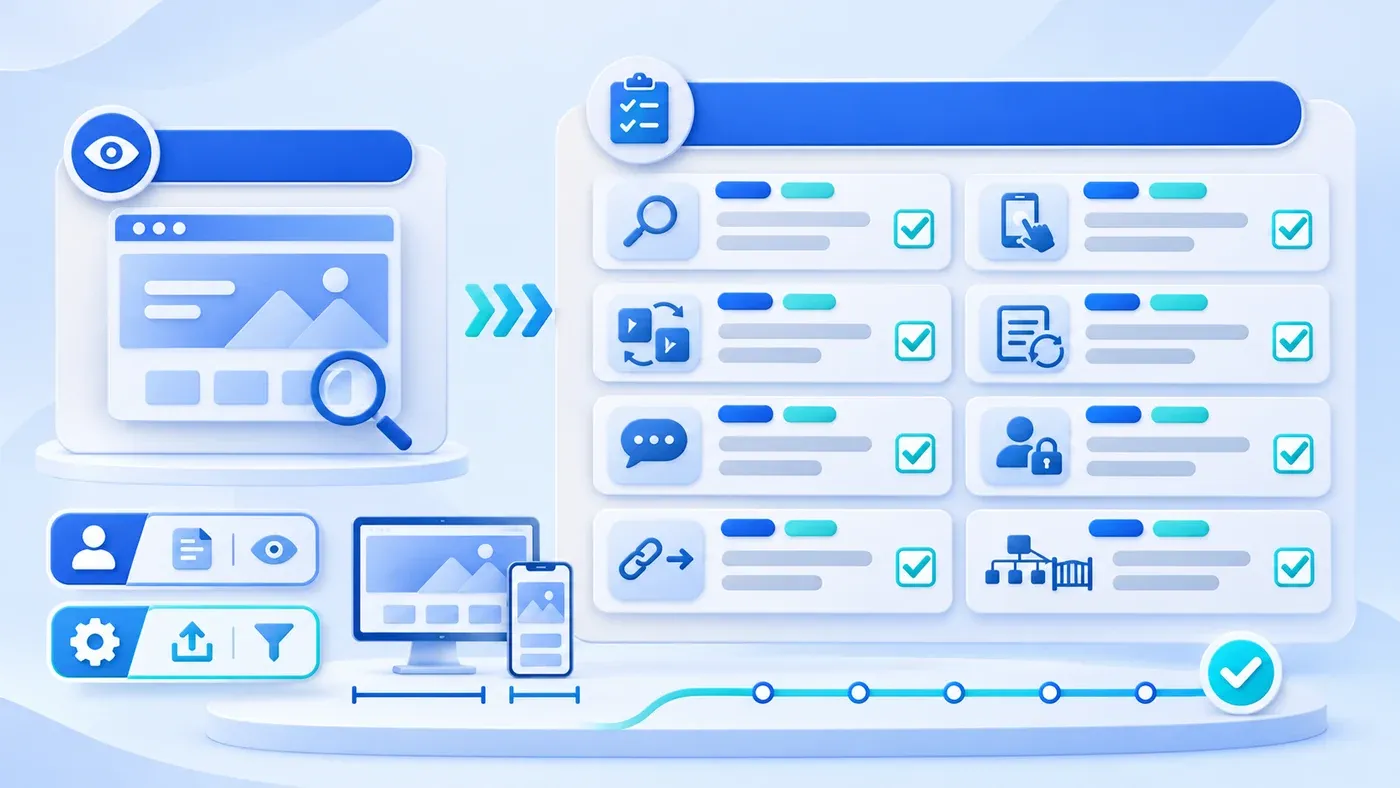
Before a corporate website launches, "acceptance" often comes down to skimming the desktop homepage from a preview link, checking brand colors and typos, and replying "approved." Within days of going live, hidden gaps surface: prospects cannot locate product specs, overseas colleagues click English on a subpage and get bounced home, test inquiries vanish, or staging noindex tags stay active and block search visibility.
Corporate website acceptance cannot stop at static visual checks. Replace screenshot sign-off with task-based acceptance: walk through eight concrete, cross-role tasks covering buyers, editors, administrators, and launch-readiness gates, collecting verifiable evidence for every step. Just as ChengXuYuan treats "Testing & review" as a dedicated stage before "Deployment & launch" in our delivery process, live task verification protects launch quality.
Why Skimming the Homepage Misses Launch Defects
Visual skimming tests only one optimistic state: a wide monitor, the default language, zero backend checks, and happy-path clicks. Real launch defects hide in dynamic states and role boundaries:
- Buyers navigate deeper to check fit: Evaluators click two or three levels down into product or service pages to confirm scope exclusions and shareable specs.
- Language toggles happen mid-journey: Overseas colleagues open shared Chinese subpage links and switch languages right there—not on the homepage.
- Forms and chat hit real friction: Unchecked consent boxes, offline submit retries, and desktop vs. mobile chat triggers never appear in static screenshots.
- Permissions and crawl switches sit below the UI: Editor restrictions, legacy redirects, and cleared
noindexheaders require separate logins and HTTP inspection.
Three Verification Tracks Across Eight Essential Tasks
- Find business information
- Switch language and device
- Submit and recover
- Check access and search information
Track 1: Visitor Journeys and Conversion Flows (T01–T05)
Start as a first-time buyer—say, a hypothetical manufacturing buyer verifying specs from the homepage. Navigate within two or three clicks to flagship offerings rather than typing direct URLs, confirm inclusions and exclusions, and apply W3C WAI's Easy Checks to check distinct browser <title> tags and logical heading order. On a smartphone, test one-handed drawer navigation, sticky-header clearance, and horizontal overflow; on desktop, navigate using only Tab and Shift+Tab. Following W3C WAI's Easy Checks, verify focus order, visible focus outlines, form labels, and field-specific errors that keep valid inputs intact. (Exact contrast math, tap-target pixel rules, and exhaustive multi-device or WeChat webview audits belong to dedicated readability and device checks.)
Deliberately test failure branches across languages, forms, and messaging: toggle languages on a service page, article, list, and consultation page to verify 1:1 routing and confirm untranslated items never render Chinese body text under /en/... URLs. Enter a long project note, simulate an offline submit failure, reconnect, and double-click submit to verify text retention and deduplicated storage. Test Chinese WeCom QR modals (Esc dismiss) and mobile launches separately from English wa.me links—checking that zero Chinese QR codes appear on English pages.
Track 2: Internal CMS Roles and Isolation (T06)
Never validate the CMS solely as a super-admin. Test with two accounts: sign in as a Content Editor to draft, upload an image, and open the authenticated preview, then confirm a logged-out incognito tab blocks that draft. Verify the editor cannot publish directly, change global settings, or read confidential leads; then publish and test version history as an Administrator.
Track 3: Legacy Redirects and Search Readiness Gate (T07–T08)
For redesigns, pull 10 to 20 key legacy URLs from your inventory (or build one via our Website Project Preparation Checklist) and test for single-hop 301 or 308 permanent redirects. Request a fake URL too: per Google Search Central's HTTP status code documentation, missing paths must return a real 404 (or 410) instead of an error screen served with 200 OK (soft 404).
Inspect /robots.txt, rendered <head> tags and headers, and /sitemap.xml together. Per Google's block-indexing documentation, noindex belongs in meta tags or X-Robots-Tag headers—never robots.txt—and crawlers must be allowed to fetch a page to see noindex. Confirm public live routes dropped staging noindex flags while staging previews and search routes stay excluded. Verify /sitemap.xml against Google's sitemap guide: UTF-8 XML listing only canonical live-domain URLs (never 127.0.0.1 or staging hosts), remembering sitemaps serve as crawl hints rather than indexing guarantees.
Honest Acceptance Boundaries
Document three boundaries before sign-off so partial checks are never overstated:
- Desktop browser resizing is not real-phone acceptance: Narrowing Chrome or DevTools emulation tests layout breakpoints only. It misses physical tap accuracy, mobile input zoom, virtual keyboard overlap, in-app webviews, and cellular latency—always run real smartphone checks separately.
- Clean up test artifacts and confirm human handoff: Tasks T04 and T06 leave test leads, drafts, and uploads behind. Clear or archive them before launch and verify which named staff member monitors CMS leads, WeCom, and WhatsApp daily.
- Never fabricate pass rates or ticket-reduction percentages: Claims about fixed prevented-bug percentages or ticket drops have no validity without standardized longitudinal measurement. Sign off strictly on observed task completion and recorded evidence.
Corporate Website Launch Acceptance Task Matrix
Assign the eight tasks below during pre-launch review (custom internal business software requires separate workflow and data-integrity acceptance beyond public website tasks):
Task ID | Task & Role | Action Steps | Expected Outcome | Pass Evidence |
|---|---|---|---|---|
T01 | Offerings & Boundaries (Buyer) | Reach core service/product pages in 2–3 clicks from home; inspect scope and | Visitor confirms fit and exclusions quickly; distinct tab titles per page. | Navigation screenshots and |
T02 | Mobile Nav & Keyboard (Multi-Device) | Operate phone drawer one-handed; navigate desktop via | Zero horizontal scroll or header overlap on phone; visible desktop focus order. | Phone screen capture and desktop focus shots. |
T03 | Bilingual Switching (Bilingual Buyer) | Toggle | Translated pages map 1:1; zero Chinese fallback text inside | Before/after URL screenshots and exclusion log. |
T04 | Form Errors & Retries (Prospect) | Test missing fields; offline submit with notes; double-submit; clean submit. | Clear field errors with text kept; zero duplicate rows; clean CMS lead. | Validation capture, offline draft proof, DB row. |
T05 | WeCom & WhatsApp (Cross-Device) | Test Chinese desktop QR ( | Channels isolated by locale; zero WeChat QR leaks on English pages. | QR close shot, mobile launch log, handler check. |
T06 | CMS Role Isolation (Editor + Admin) | As Editor, draft, upload, preview, test publish/leads; publish as Admin. | Incognito blocks drafts; Editor blocked from publish/leads; Admin publishes. | Incognito block shot, denial proof, live view. |
T07 | Redirects & 404s (Migration) | Test 10–20 priority legacy URLs; request one nonexistent random path. | Legacy URLs return direct | Network panel or header log showing |
T08 | Indexing & Sitemap (Launch Gate) | Inspect live | Public routes crawlable/indexable; staging isolated; canonical live XML URLs. | |
Pre-Sign-Off Website Acceptance Checklist
Copy this checklist into your project tracker and verify every box before approving DNS cutover:
[Pre-Sign-Off Corporate Website Acceptance Checklist]

1. Pre-Acceptance Setup
- [ ] Target live domain or staging candidate confirmed with isolated environment flags
- [ ] Two CMS accounts ready: 1 Content Editor and 1 Administrator (+ legacy URL list if redesigning)

2. Eight-Task Functional Verification
- [ ] T01 Offerings & boundaries: Core pages reachable in 2–3 clicks with distinct titles
- [ ] T02 Navigation & focus: Smooth one-handed phone menu, zero horizontal scroll, visible focus
- [ ] T03 Bilingual routing: Interior toggles keep matching pages; zero Chinese copy on English URLs
- [ ] T04 Form resilience: Clear errors, draft kept offline, deduplicated retries, clean CMS entry
- [ ] T05 Messaging channels: Locale-isolated WeCom and WhatsApp verified with active owners
- [ ] T06 CMS permissions: Editor drafts/previews without publish/lead access; Admin publishes cleanly
- [ ] T07 Redirects & 404s: Key legacy URLs return direct 301/308; missing paths return HTTP 404
- [ ] T08 Search readiness: Live pages drop leftover noindex; robots.txt and sitemap.xml match live host

3. Honest Boundaries & Test Cleanup
- [ ] Real smartphone pass completed separately from desktop browser resizing
- [ ] Test leads, test drafts, and sample uploads removed or archived per agreement
- [ ] Named owner confirmed for daily CMS lead review, WeCom, and WhatsApp response
Completing these eight checks catches the silent failures visual reviews routinely miss—before customers hit them in production. If you are planning a new site or approaching launch handover, review our Corporate Website & Standalone Site Services to see how testing and handover are structured, or bring your current URLs and checklist questions directly to our consultation page.
