
Key takeaway
Small corporate sites only need clear navigation. Once you publish dozens of articles or product models, index titles, excerpts, key takeaways, or model specs first—while isolating drafts, filtering by active locale, providing zero-result exits, and setting search pages to noindex.
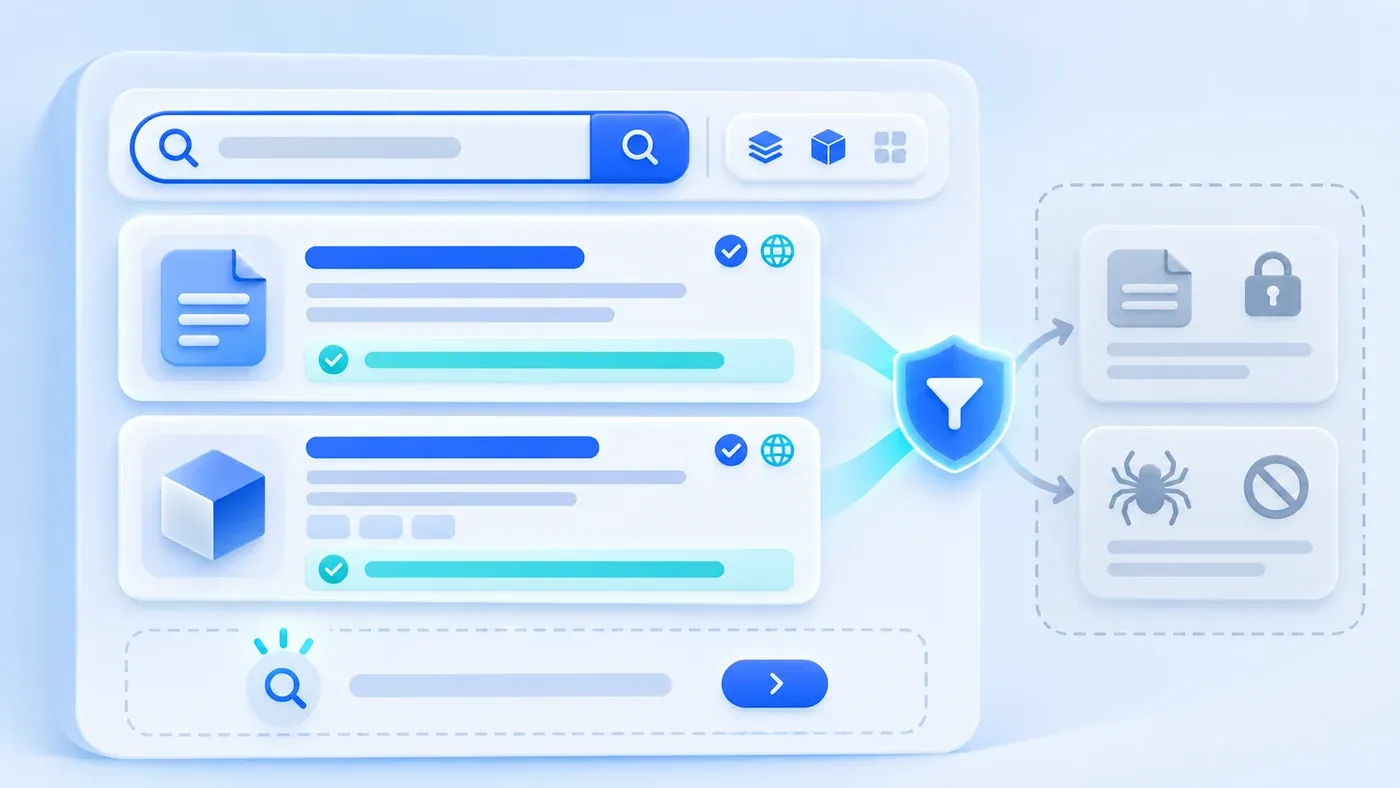
When teams scope a corporate website build or redesign, on-site search often falls into one of two traps. Either a company with twelve static pages spends budget deploying a heavyweight full-text engine that visitors rarely touch, or a company with dozens of articles and product models launches an unfiltered search box—exposing unfinished CMS drafts, returning untranslated fallback pages, or greeting buyers with a dead-end "0 results found" screen.
Planning corporate website search is an information priority problem before it is a software problem. The core question to answer first is: When a prospective buyer actively uses your search bar, what are they trying to verify right now?
If your website has fewer than fifteen fixed pages, a clear top navigation bar and concise on-page FAQs will serve visitors faster than a search input. On-site search becomes genuinely valuable once your site holds a growing library of published insights articles, technical guides, multi-model product catalogs, or industry solution pages. In Phase 1, prioritize structured, high-signal fields—such as titles, excerpts, key takeaways (summary_answer), or product model numbers and specifications—while enforcing four strict boundaries: isolating unpublished drafts and internal records, querying strictly within the active language, turning zero-result states into guided exits, and setting search result pages to noindex by default.
First Decide: Does Your Website Need On-Site Search Right Now?
Most B2B visitors scan your top navigation first, reaching for a search icon only when browsing takes too many clicks or when they arrive with a specific term in hand. Evaluate your content volume across three scenarios before adding search to Phase 1:
- Compact corporate sites with 10 to 15 fixed pages (Not needed yet): If your site consists of a homepage, three to five service pages, selected case studies, an about page, and a consultation form, visitors can reach every page within two clicks. If buyers repeatedly ask the same eight pre-sales questions, following FAQ vs. Enterprise Knowledge Base: Don't Use One Tool for Two Problems by placing structured FAQs directly on your service pages helps them faster than guessing search keywords.
- Content-driven B2B sites with dozens of published articles and guides (Recommended): Once your Insights library grows beyond a few dozen articles, both prospective buyers and your sales team need a fast way to locate topics like legacy URL migration, role permission matrices, or ERP integration handoffs. Searching across published titles, excerpts, and core takeaways turns an archive into an active decision tool.
- Manufacturing or hardware sites with many product models and spec sheets (Essential): Procurement managers and engineers often arrive with an exact part number prefix (such as a hypothetical sensor series
CXY-S400), protocol name, or rating copied from a bill of materials. On-site search lets them jump straight to the right model card.
What Should Phase 1 On-Site Search Let Visitors Find First?
Once you decide to build search, the most common mistake is running an unranked wildcard query across every database table and raw HTML block. When every string carries equal weight, a query for "custom development" may rank your privacy policy or footer notice above the actual service page or guide that answers the question. Organize Phase 1 around high-value objects and tiered field weights:
1. Index High-Value Public Content Objects First
- Published insights articles and practical guides: Address specific operational bottlenecks, planning checklists, and architectural trade-offs.
- Product entries, model numbers, and solution pages: Surface the exact product card or industry solution for visitors comparing specifications.
- Public preparation checklists and documentation hubs: Connect visitors directly to project preparation guides and technical checklists.
Exclude utility pages such as privacy policies, terms of service, 404 templates, and UI boilerplate from your business search pool.
2. Rank Results by Field Signal Strength
Grouping searchable fields into three priority tiers keeps the first screen relevant without complex infrastructure:
- Tier 1 (Highest weight): Title, product model/SKU code, and primary topic tags. A direct title or model match indicates the page was written specifically about that subject and belongs at the top.
- Tier 2 (Medium weight): Core Takeaway (
summary_answer) and Excerpt. In ChengXuYuan's content model, every insight article includes a concise summary answer (under 320 characters) and a standalone excerpt summarizing scope conditions, conclusions, and natural buyer phrasing. Indexing these fields captures common terminology variations without pulling in noisy false positives from casual body mentions. - Tier 3 (Supplemental weight): Section headings (
H2) and key specification parameters. Include section headings and spec attributes as your catalog grows; reserve full body-text indexing until archive size requires it.
Four Non-Negotiable Security and Experience Boundaries
- Receive the query
- Filter publication and language
- Match title and content
- Offer results or another route
In website audits, the most damaging search failures happen when teams overlook four boundaries around permissions, localization, empty states, and search engine crawlers.
Boundary 1: Strictly Isolate Unpublished Drafts, Withdrawn Posts, and Internal Records
In most CMS platforms, published posts, unapproved drafts, and withdrawn entries share the same collection table. Your server-side search query must enforce _status = published on every request. Drafts and withdrawn records—visible only in authenticated editor preview—must never enter public search results, and private collections such as customer consultation inquiries (inquiries) and user accounts must remain isolated at the data layer.
Boundary 2: Query Strictly Within the Active Language Without Cross-Locale Fallbacks
On a bilingual corporate website, /zh/search and /en/search must each query only content completed and published in that active language. Leaving automatic language fallback enabled causes /en/search to return untranslated Chinese cards whenever an English translation is incomplete. Always filter by both the active locale and localeReady = true, verifying non-empty localized titles and excerpts.
Boundary 3: Turn "0 Results Found" Into a Guided Navigation Exit
Instead of leaving visitors at a blank "0 results found" dead end when they search an unlisted model or niche term, design the empty state as a secondary navigation hub:
- Keep the original query in the input box: State clearly that no published items matched while preserving the text for easy editing;
- Offer category links: Provide direct links to core topic categories or the full Insights overview;
- Provide a consultation handoff: Place a consultation CTA or official WhatsApp / WeCom contact option below the empty state so buyers with custom requirements can ask your team directly.
Boundary 4: Default Internal Search Pages to noindex and Exclude Them from sitemap.xml
Allowing search engines to index internal search result URLs (such as /en/search?q=xxx) is a serious SEO hazard: dynamically generated search pages reshuffle snippets without adding unique content, conflicting with Google Search Central's Spam Policies for Google Web Search regarding doorway pages and automatically generated search results, while automated spam bots frequently inject spam keywords into ?q= parameters. Follow Google Search Central's guide on blocking indexing with noindex by outputting <meta name="robots" content="noindex"> (or X-Robots-Tag: noindex) on /search and all query states while keeping the route accessible to crawlers, and never include /zh/search or /en/search in sitemap.xml.
Corporate On-Site Search Scope, Ranking, Empty-State & SEO Specification Table
Planning Dimension | Recommended Implementation Rule | Common Pitfall to Avoid | Business & Technical Rationale |
|---|---|---|---|
Indexed Content Scope | Published insights articles, guides, product models, and solution pages | Indexing privacy policies, footer text, 404 pages, or UI fragments | Ensures every result leads to a page answering a buyer question |
Status & Access Filtering | Enforce | Unfiltered queries that expose drafts or withdrawn posts | Prevents leaks of unapproved drafts or customer records |
Multilingual Isolation | Query within active locale ( | Falling back to untranslated Chinese cards on | Preserves a consistent, native reading experience per language |
Field Weight & Ranking | Title / Model SKU > Summary Answer & Excerpt > | Treating a passing word in body text equal to a title match | Surfaces articles or products dedicated to the topic first |
Input Handling & Safety | Trim spaces, cap query length, escape characters, rate-limit bursts | Passing raw, unbounded strings into database queries | Handles copy-paste whitespace and protects server stability |
Zero-Result & Empty States | Keep input text and show category links + consultation CTA on 0 results | Rendering a blank page with "0 results found" and no exit | Retains high-intent visitors with custom project questions |
Search Engine Indexing | Output | Indexing | Prevents thin doorway pages and automated query-spam injection |
10-Minute Pre-Launch Acceptance Checklist for On-Site Search
[Corporate Website On-Site Search Acceptance Checklist]
1. Relevance & Pagination: Does a title keyword match rank first? Do Summary Answer / Excerpt matches return accurately? Does pagination preserve `?q=`?
2. Draft Isolation: Save an unpublished draft with a unique string ("INTERNALDRAFT999"), search in an incognito window, and confirm 0 results.
3. Bilingual & Empty State: Verify `/zh/search` and `/en/search` return only active-locale links; search a nonexistent term and confirm input retention + links to all articles and consultation.
4. SEO Protection: Confirm `<meta name="robots" content="noindex">` (or header) on `/search` and verify `/sitemap.xml` excludes `/zh/search` and `/en/search`.
A well-scoped on-site search feature connects prospective buyers to your verified articles, specifications, and consultation channels without friction. If you are planning a corporate website redesign or structuring a bilingual content library, explore our Corporate Website & Standalone Site Services or bring your current sitemap and content inventory to our consultation page to discuss your project.
