
Key takeaway
Do not compare platforms in the abstract. Take one real change, write down the forms, rules, permissions, notifications, and historical data it touches, and walk both options through it. Compare complex logic, interfaces, permission granularity, versioning and testing, and data export after retirement.
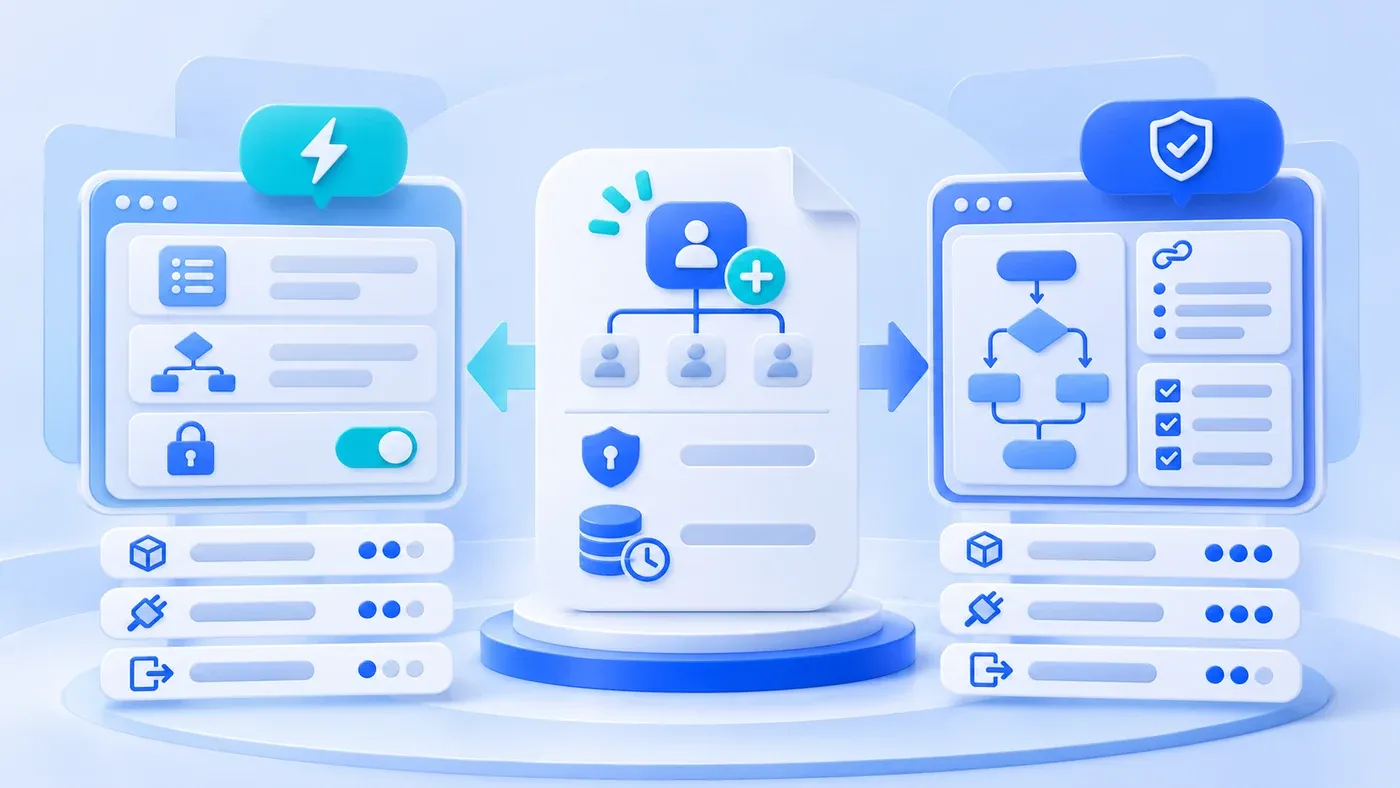
Consider a hypothetical workflow change. The amounts and effort estimates below illustrate scope; they are not a project quotation or measured result.
A workflow needs a change: orders above 500,000 now require a finance lead's approval in addition to the sales director. The low-code vendor says it is a matter of dragging in one approval node. The custom team says historical orders, permissions, and the finance interface mean at least two days. Neither may be exaggerating, but comparing "platform capabilities" in a meeting room will never settle it.
Do not start with product features. Start with this one change. Break it into what must actually happen, and make both options answer.
Take one concrete change
Write down six things the change touches: which forms change, how the rule decides, who may approve, who is notified after approval, what happens to historical orders, and which systems interact.
For the approval change: the order form shows a new approval node; the rule checks amount and order type; the finance lead role receives the task; sales and warehouse are notified after approval; orders already in approval may need the extra step; the result may need writing back to finance.
Those six items are the shared table. Any option, low-code or custom, answers each one.
Where low-code is strong
Low-code is usually faster for forms, lists, simple flows, and notifications. Dragging fields, configuring conditions, and adding approval nodes can be done by a business analyst or implementation consultant without a full development cycle. For frequently tweaked flows with modest logic inside one system, that speed is real value.
It also lets the business see results earlier. A prototype can appear in half a day, turning discussion from imagination into something clickable, which reduces misunderstanding.
Where low-code hits constraints
Constraints usually appear here:
Complex logic. Multi-layer conditions, loops, cross-table calculations, and batch processing become hard to read and verify in configuration. Something can be built and still be unmaintainable.
Cross-system transactions. When finance, warehouse, or external systems must stay consistent, verify the platform's interface capability and transaction boundaries item by item. Making two systems succeed or fail together is rarely guaranteed by configuration alone.
Permission granularity. Platforms usually offer roles and page permissions, but field-level, record-scope, and amount-range control may not all be configurable. Verify rather than assume.
Versioning and testing. Ask whether configuration changes have history, can roll back, and can be validated in a test environment first. Without these, fast changes become fast incidents.
Exit cost. If the platform is retired, can forms, flows, attachments, and history be exported completely in a usable format? Ask before signing, not three years later.
Where custom is strong, and what it costs
Custom is strong on clear boundaries: complex rules become testable code, cross-system transactions get designed compensation, permissions reach fields and records, and versions and deployment join the existing process.
The cost is equally clear: development time, testing, documentation, and maintenance. A small change may wait for a full release. Without stable maintenance, custom modules also become legacy code nobody dares touch.
Five comparison dimensions
- Rule complexity: condition depth, calculations, batch processing.
- Interfaces and transactions: cross-system needs, consistency, compensation.
- Permission granularity: fields, record scope, amount ranges.
- Change frequency: monthly or yearly; whether changes must ship fast.
- Exit cost: data export, flow migration, business continuity after retirement.
When the first three are heavy and the last two are light, custom fits better; the reverse favors low-code. In between, consider a mix.
The same change, side by side
Item | What low-code must answer | What custom must answer |
|---|---|---|
New approval condition | Can conditions combine amount and order type | Where the rule lives and how it is tested |
Historical orders | Can in-flight orders receive the extra step | Migration script and rollback |
Finance interface | Are connectors and error handling available | Interface contract, retries, reconciliation |
Permission granularity | Can the finance lead see only related orders | How role and record scope are configured |
Change and rollback | Does configuration have versions and a test environment | Release process and rollback time |
Exit and export | Can data be exported completely and usably | Code and data ownership written into the contract |
The table does not say who is better; it says who can answer. An unanswered cell is a risk carried into the project.
A mixed form
A common, practical setup mixes both: low-code for peripheral forms, lists, notifications, and frequently adjusted simple flows; custom modules for core calculations, cross-system consistency, and sensitive permissions. The two connect through explicit interfaces rather than pushing core logic into configuration.
The price of mixing is one more boundary to maintain. Interface contracts, owners, and failure handling must be written down, or the two sides will blame each other.
Questions for a trial
Have the vendor build your real change, not a generic demo. Watch whether the configuration is understandable, whether changes are versioned, whether a separate test environment exists, whether logs are sufficient, and whether export is complete.
Afterward, ask the person who will maintain it to explain how to change it. If only the vendor's consultant can operate it, the "business self-service" advantage does not hold.
Pick one workflow you genuinely need to change this month and build the five-dimension table. How to map the process itself is covered in the system preparation guide; to scope a combination of low-code and custom modules, agree within business system development. The broader choice between custom and SaaS is covered in custom development or SaaS; this article compares implementation options for one change.
