
Key takeaway
Accept with three to five real business tasks: one main path plus at least one exception. Write who does what, with which input, in which steps, expecting which result, and where to verify it. Run them on prepared test data and keep evidence. Features that demo well do not prove a business task can be completed.
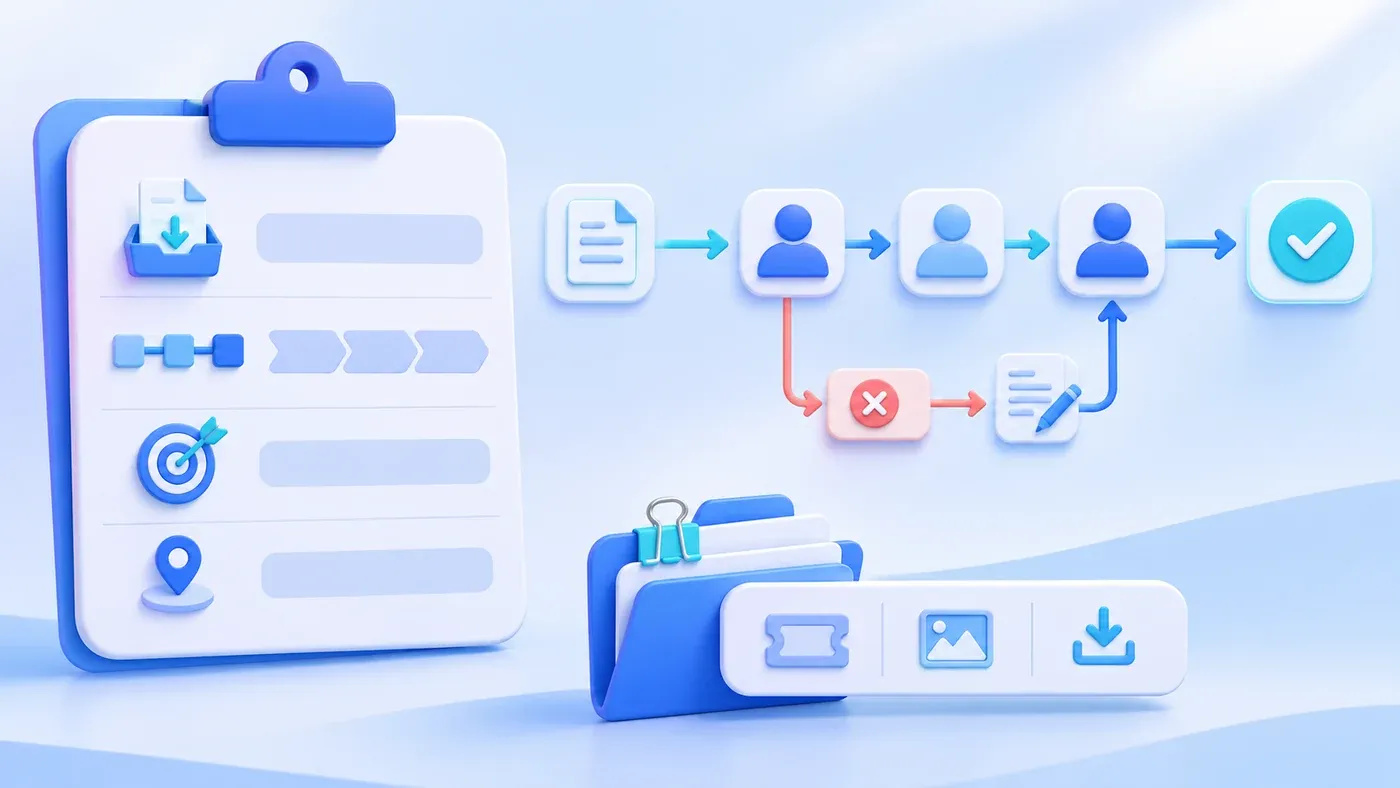
Suppose the following happens. The acceptance meeting ran for two hours. The vendor demonstrated forty features one by one: create, edit, export, approve. Each click put a check mark on the list. Two weeks after launch, the warehouse hit a wall on its first return: after the refund request was submitted, no approver could be found, and stock was never restored. Every feature existed. The business task did not finish.
Acceptance is not the question "does this button exist?" It is the question "can one real piece of work travel from input to result, and can that result be checked?" A feature checklist is useful for confirming scope. It is not proof that the business runs.
A feature check tests that a page exists, not that work completes
A feature demo usually follows the smoothest path: complete data, the highest permission, no exceptions. It shows what the screens look like. It does not show three things: whether a handoff between roles connects, whether work can continue after an exception, and whether the result lands in the right place.
A working Approve button does not prove that stock, finance, and the customer record all change as agreed after approval. A working Export button does not prove that the fields, scope, and permissions in the file match the business requirement. Those need tasks.
The feature list still has a role. Attach it to the scope: what this phase includes and what it does not. It supplements task acceptance; it does not replace it.
Choose three to five real tasks
Pick tasks by how well they expose a break in the business, not by how many features they touch. Start from things that actually happened in the last three months:
- One main path. The most frequent or highest-value kind of work, run end to end from entry to finish.
- One cross-role path. Two people or two positions hand work over, so the seams are visible.
- One exception path. A rejected approval, missing document, duplicate submission, or stock shortage, whichever really occurs.
- One boundary task. An amount exactly at the approval line, a quantity exactly above stock, a date crossing month-end. Check whether the rule holds at the edge.
- One find-and-export task. After the work is done, have another role find the record, export it, and check the fields.
Keep the set to three to five. More turns the session into another demo. Tasks that do not fit go into a post-launch sampling plan, not the same afternoon.
Write the script so someone else can follow it
Write each task in six columns. The person writing should not be the developer; the business contact writes it, and the vendor adds technical detail. Here is a hypothetical task card, not a customer system:
Task | Role | Input | Steps | Expected result | Where to verify |
|---|---|---|---|---|---|
Customer return and refund | Customer service | Hypothetical order SO-0001, return reason, refund amount | Create return → warehouse confirms receipt → finance approves refund | One unit returned to stock; refund waits for approval; a note remains on the customer record | Stock ledger, refund list, customer detail |
Rejected quote resubmitted | Sales manager | A hypothetical quote above the discount line | Submit quote → approver rejects with a reason → edit and resubmit | Rejection reason visible; history kept; resubmission enters the queue | Quote detail, approval history |
Month-end export check | Finance | A hypothetical month range | Export orders by status → open the file and check totals | Fields complete; totals match the list; unauthorized fields absent | Export file, list totals |
The script is complete when another person can follow it without help. Steps say what to click, what to enter, and when to switch roles. Expected results are judgeable, such as "one unit returned to stock," not "stock updated correctly." Verification names the page or file to inspect, not "check that it is fine."
Prepare data that can produce exceptions
Accepting with live production data runs into privacy, permission, and irreversibility problems. Prepare a separate acceptance data set with the same shape as real work, but fictional customers, amounts, and contact details.
The set should include at least: a sample that completes the main path, one that triggers an approval line, one with a missing document, and one with a duplicate key. Dates cross month or year boundaries, and amounts sit on rule boundaries. If the system depends on master data such as customers, materials, and staff, prepare that too. Do not create it on the spot during acceptance.
Agree in advance who prepares the data, which test environment holds it, and whether it stays after acceptance. Do not "try it quickly" in production, and do not assemble a set from real customer records at the last minute.
Record evidence and problems
After each task, keep three things: the record ID, the key states, and the verification result. The record ID lets you find the data later. The key states show how far the task traveled. The verification says "matches expectation" or exactly where it differs.
When something fails, record the task, step, expectation, actual result, impact, and severity. Do not write "approval has a problem." Write "return R-0012: after finance approval, the stock ledger did not restore one unit." Severity reflects business impact: blocks the main flow, requires a manual workaround, or affects experience. Before the session ends, both sides confirm the problem list item by item and agree which must be fixed before launch and which may go live with conditions.
Who signs what should also be explicit. The business owner signs "usable for the business"; the technical owner signs "scope complete." Do not have everyone sign one vague "accepted." Signatures rest on task results and the problem list, not the mood of the meeting.
What task acceptance does not replace
Task acceptance finds breaks in business flow. It does not replace security testing, performance testing, migration reconciliation, or backup and recovery drills. Each has its own method and evidence, and "the task worked" does not cover them.
It also does not replace post-launch observation. In the first week, sample a few real tasks and confirm the results match what acceptance saw.
An acceptance task card template
[Business system acceptance task card]

- Task name:
- Business role:
- Real frequency and the most recent occurrence:
- Input data (ID range and preparer):
- Steps (who, where, does what):
- Exception branch (at least one, required):
- Expected result (judgeable):
- Where to verify (page, file, ledger):
- Evidence (record ID, screenshot, export file):
- Result: matches expectation / difference described
- Severity and agreed handling:
- Business sign-off / technical sign-off:
Start with the business task your team fears most, write it as a card, and have someone from another role follow it. If any step needs the developer to explain it on the spot, that step is not written clearly enough. How to collect scope from fields and flows is covered in the system preparation guide. To put acceptance tasks into a project's scope, agree on them within business system development.
Acceptance criteria for an AI pilot are a different exercise; see how to write pilot acceptance criteria. How project responsibilities split across roles is covered in who owns an enterprise AI project. Neither provides the task script for a business system.
