
Key takeaway
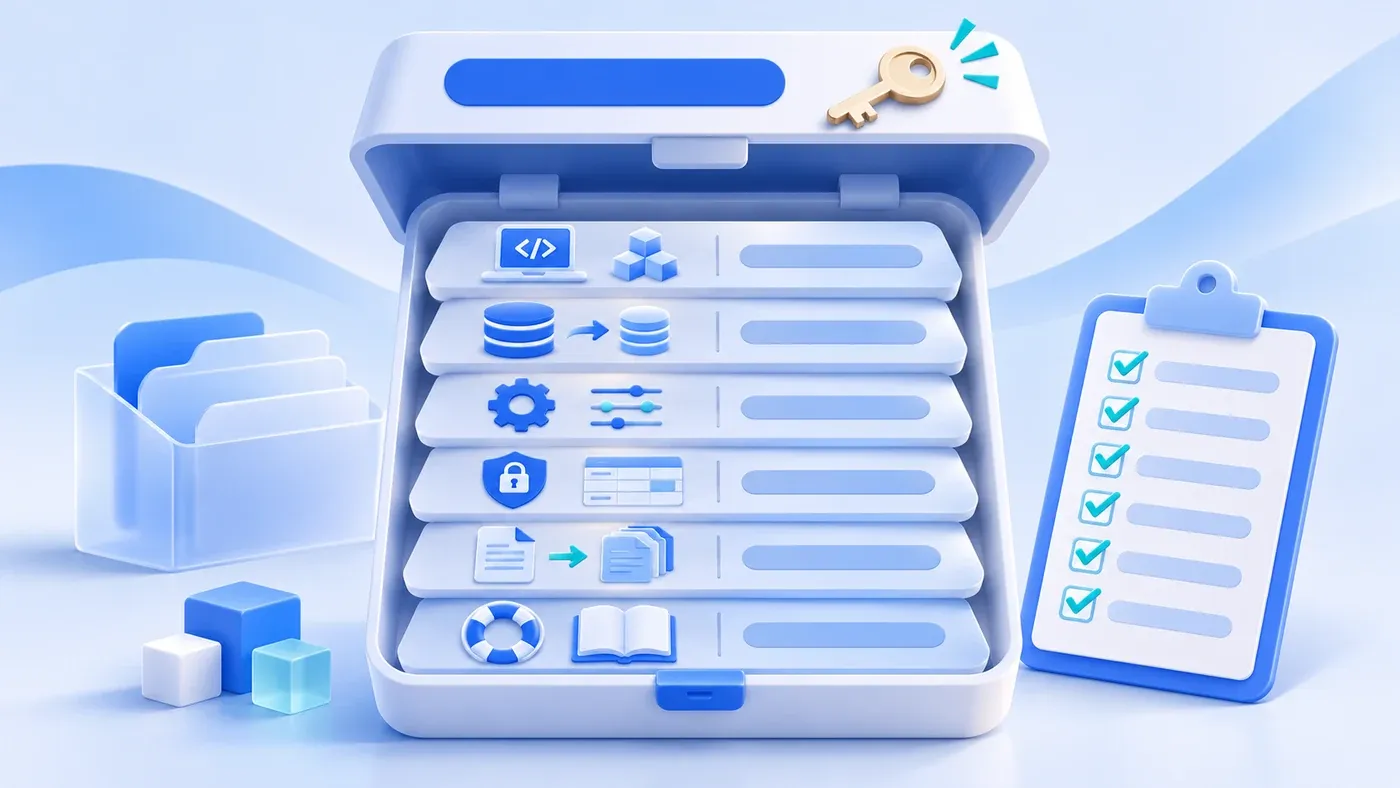
An account is an entrance, not a delivery. Cover six areas: code and build, schema and migrations, environment configuration, field and permission inventories plus interfaces, data export and recovery, and documentation with contacts. Each must be usable by someone other than the original developer.
Take this illustrative scenario. Six months after launch, the system runs smoothly. The developer who built it leaves. The company wants to redeploy on a new server and opens the handover zip: no build instructions, no environment variable list, and the database schema exists only on someone's laptop. An attempt to export customer data shows the admin can export only the fields visible in the list; attachments and status history do not come along.
At delivery, the vendor handed over an administrator account, and everyone assumed the system was now in hand. An account is an entrance. What determines whether the company can run, maintain, and recover the system is six other categories of material.
An account is not a delivery
An admin account proves you can log in. It does not prove you can rebuild the system, migrate data, diagnose a failure, or hand maintenance to someone else. A deliverable system lets a technician who did not build it deploy, export, and recover using the provided material.
This is not distrust of the vendor. Every long-lived system changes hands. People move, vendors change, servers migrate. Without the material, the company is locked into a position it cannot leave.
Code and build
Collect: full access to the source repository, branch and release records, dependency list, build commands, and artifact description.
Code alone is not enough. Confirm that a clean machine can produce a runnable build from the instructions. Pin third-party dependency versions and keep license records for later compliance checks. Secrets, database passwords, and third-party accounts must not live in code; deliver a configuration template, not production credentials inside a zip.
If a low-code platform or configuration is involved, the equivalent is the application export package, configuration notes, and platform dependency, not source code. Whether export is possible on exit belongs in the contract.
Database and migrations
Collect: schema documentation, database creation scripts, migration scripts, reference data (roles, statuses, dictionaries), and a masked sample data set.
Migrations must run in order and build the current schema from an empty database. A database backup alone is not a maintainable schema; the next upgrade still has no instructions.
List reference data separately: which statuses, roles, permissions, and dictionaries are required and which the business maintains. Restore reference data before business data; the reverse leaves missing relationships.
Environment configuration
Collect: server and runtime requirements, environment variable list, domains and certificates, storage locations, email and SMS settings, third-party API accounts, scheduled jobs, and log locations.
State which values are sensitive, who holds them, and how they rotate. Do not put every production password in one document sent to everyone; a list and a custody method are more useful than plaintext.
Also cover backup and monitoring: how often the database is backed up, where backups live, how long logs are kept, and where to look when something fails.
Field, permission, and interface inventories
The field dictionary states each field's business meaning, type, required status, source, and owner. Without it, later changes are guesswork.
The role-permission inventory states what each role may view, change, and which record scope it has. The interface inventory states what the system exposes and consumes, with authentication, rate limits, and error codes.
These three also support future staffing changes, new integrations, and audits.
Data export and recovery
Export must cover business records, attachments, status history, and relationships, not just the fields on the current list page. Use a common format, and make field names match the dictionary.
Recovery material includes backup files, restore steps, the environment and credentials needed, and post-restore verification. Most importantly, rehearse it: restore a copy in an isolated environment using only the delivered material, and confirm the business can query, export, and continue.
"Backed up" written in a document is not recovery capability. Corrupt media, a lost key, or one missing restore step will surface when it matters most.
Documentation, defects, open items, and contacts
The documentation need not be a manual, but should include: purpose, main flows, deployment steps, common failures, known defects, unfinished items, and vendor and internal contacts.
List known defects honestly, including triggers and temporary workarounds. State whether unfinished items affect use and when they are planned. Left in a chat thread, they vanish after handover.
Ownership and permitted use of source code, data, and documentation belong in the contract. This article lists handover material and verification methods; it does not judge the legal effect of specific contract terms.
A delivery checklist
Category | Deliverable | How to verify | Risk if missing |
|---|---|---|---|
Code and build | Repository access, dependencies, build instructions | Build once on a clean machine | Cannot redeploy |
Database | Schema, migrations, reference data | Build current version from empty | No basis for upgrades |
Environment | Variable list, domains and certificates, third-party accounts | Stand up a test environment from the list | Stops on a server move |
Fields and permissions | Field dictionary, role matrix, interface list | Spot-check fields and permissions | Later changes are guesswork |
Data export | Records, attachments, history, relationships | Export and import elsewhere | Data locked in |
Recovery and docs | Backups, restore steps, defects, contacts | Perform one real restore drill | No recovery when needed |
Do not just tick the checklist. Have the receiving technician independently perform one build, one export, and one restore. Record every obstacle on the spot and have the vendor close it. Independent completion is the delivery.
After handover, running data still needs ongoing backups; a code repository does not replace database and file recovery. Website code, content, and media recovery follow similar principles, but a business system adds roles, states, and third-party interfaces. To put this scope into a project, agree within business system development; to organize data and fields before kickoff, see the system preparation guide. The long-term cost comparison between custom and SaaS is in custom development or SaaS.
