
Key takeaway
A business activity log stores the time, actor, record ID, action, result, and old and new values of agreed fields. Rejected actions are included. Passwords, tokens, and file contents stay out. Look it up by record ID. The log says what happened; it does not decide whether an approval was valid.
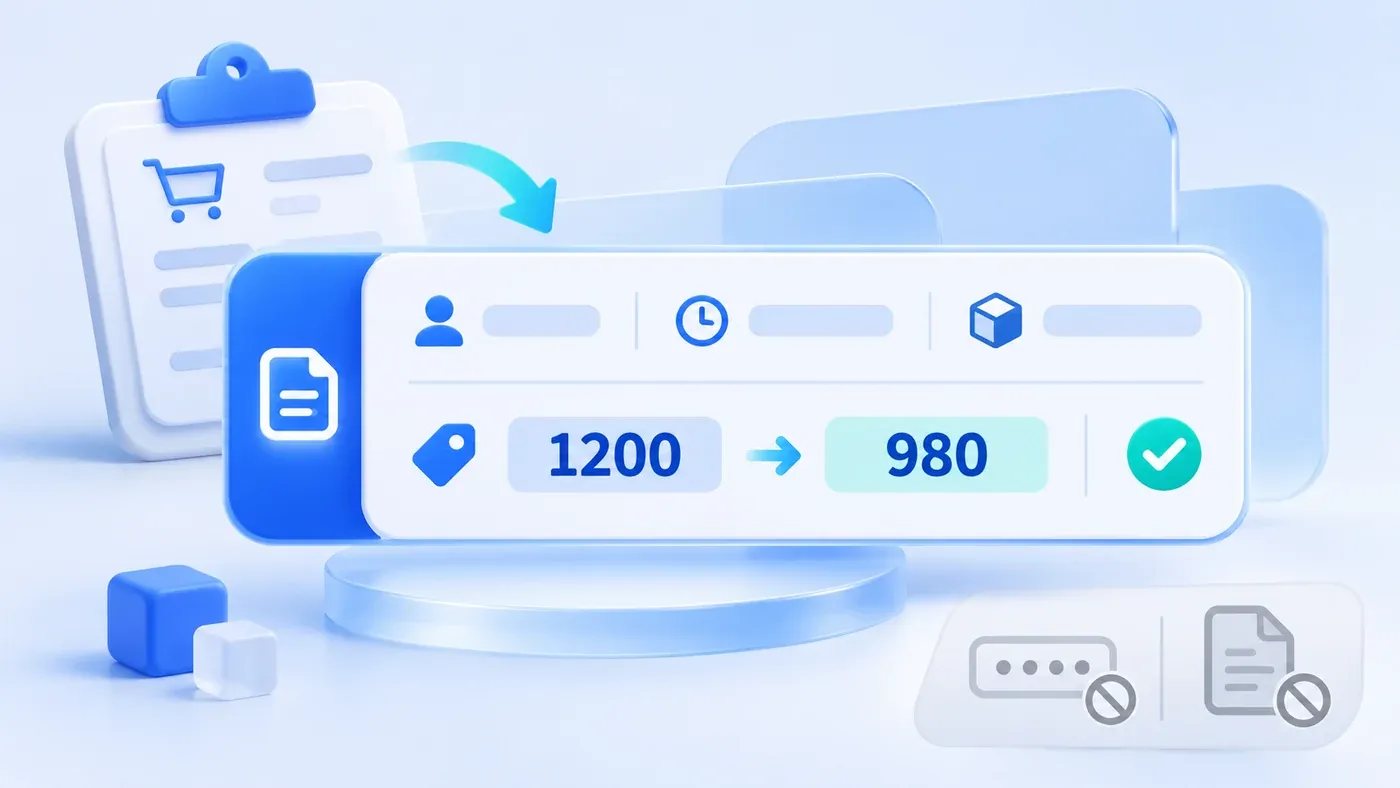
Take this illustrative scenario. An order's unit price changes from 1,200 to 980. The screen says only "record updated." Sales says they did not touch it. Finance says they only looked. If the system knows there was an update and nothing else, you cannot tell who changed it, what the price was before, or whether the change succeeded.
An activity log for a business system should answer one concrete action: who, at what time, on which record, did what, whether it succeeded or was rejected, and what the old and new values were for the fields you agreed to track. It is not a server error log, and it is not a second copy of every table.
A field list that is enough to investigate
These fields should exist on every action you claim to be able to trace. If one is missing, do not pretend a later investigation can invent it.
Field | Question it answers | How to store it |
|---|---|---|
Time | When it happened | Server time, with the time zone. Do not rely only on a clock the user's computer can change |
Actor | Which account did it | Store the account ID. A display name can be copied alongside it, but a changeable name alone is not enough |
On behalf of | Was this the person, or someone acting for them | When it is delegated, store both the person who clicked and the person they acted for |
Object type | Customer, order, file, or something else | Use a stable type name, not the word "record" |
Object ID | Which one | Use the business ID. Names change; the ID is how you find the log later |
Action | What kind of act | Create, update, merge, export, download, failed sign-in. Fix the vocabulary inside the project |
Result | Did it happen | Succeeded or rejected. A rejection includes the category the system gave at the time, such as no permission or validation failed |
Field change | Which value moved | Field name, old value, new value. Several fields in one save become several rows tied by one action ID |
Reason | Why a person did it | Required for merge, reject, and void. Ordinary save may leave it empty |
Source | Where it started | The screen, an import batch ID, or an interface. That separates a hand edit from a file |
Action ID | How the rows of one click stay together | One save that changes three fields produces three rows with this same ID |
Who may read the log is a role decision. A salesperson may see the history of their own customers and still should not see every export in the company. Reading the log can itself be a controlled action, so the log does not become a second, unrestricted customer list.
Not every field and not every click needs old and new values
Old and new values take space, and someone has to be able to read them. List the fields you must be able to reconstruct. Do not default to the whole table.
On an order, unit price, quantity, customer ID, and status usually need both values. A typo in a note can be stored as "note changed" without copying the whole text into every entry. Write that boundary down. Otherwise the build either keeps nothing or copies every paragraph.
Some actions need a log row even when no field changes: export, file download, customer merge, rejected access. The risk is that the action happened, not that one cell moved. An export log stores the export type and the scope. It does not copy every exported row into the log again.
Ordinary page views do not need a row each. If a particular screen is sensitive, such as previewing an identity document, add "opened preview" to the actions you store. Do not log every opening of a list in the name of completeness. Nobody will be able to search it.
Some things do not belong in the log
OWASP logging guidance covers event attributes and excluding passwords, tokens and other sensitive values.
Logs often outlive the screen, and the people who can read logs are not always the people who can see every business field. So:
- Do not store passwords, verification codes, access tokens, or interface secrets. A failed sign-in stores the result and the account, not what the person typed.
- Do not store the body of a file. A download log stores the file ID and version, not a second copy of the contract.
- Do not treat a raw database update statement as the log a person will read. Investigators need field names and values.
- If the new value is empty, store empty explicitly. Leaving the row out makes it look as if the field was never touched.
The log itself should resist casual edits. A business user should not be able to delete an inconvenient row from a normal screen. A correction is a new log row, not an overwrite. How long you keep logs depends on your needs and the requirements that apply to you. This article does not set a universal number of years.
Two hypothetical entries
This is a demonstration, not a real incident. The order ID is SO-example-19.
A change that succeeded:
Field | Value |
|---|---|
Time | 2026-11-16 10:24, UTC+8 |
Actor | Account U-18, shown as Salesperson A |
Object | Order SO-example-19 |
Action and result | Update, succeeded |
Change | Unit price: old 1200, new 980. Unit: yuan |
Source | Order edit screen |
Action ID | OP-example-01 |
An action that was rejected:
Field | Value |
|---|---|
Time | 2026-11-16 10:26, UTC+8 |
Actor | Account U-18 |
Object | Export "full order backup" |
Action and result | Export, rejected |
Change | No field change |
Reason category | No permission |
Action ID | OP-example-02 |
With both rows, "the price was changed" and "someone tried to export every order and was refused" stay separate. A single "updated" hides both, or blends them into one story.
A log is not an approval and not a verdict
A log can show that an account did an action at a time. It does not by itself prove the person was allowed to, or that the business should have done it. Whether an approval finished, and whether earlier approvals are void, lives in the approval's own version history. The log only keeps the click.
A log also does not replace recovery. Knowing the price used to be 1,200 is not the same as offering a safe way to put it back. Recovery needs its own rules. Without the old value, recovery depends on memory.
Who is accountable after an AI agent makes a mistake belongs to a different article's responsibility chain. This one is about people acting in a business admin, and the fields those actions should leave behind.
An activity-log checklist
[Activity log checklist]

1. Fields
- Does every traced action have time, actor, object type, object ID, action, and result:
- Does a delegated action store both the person who clicked and the person they acted for:
- What ID ties together several field rows from one save:

2. Old and new values
- Which fields must store old and new values:
- Which fields store only "changed," not the full text:
- Is an empty new value stored as empty:

3. Actions with no field change
- Do export, download, merge, and rejected access each create a row:
- Does an export log store type and scope, rather than the file contents:

4. What stays out
- Are passwords, tokens, and file bodies explicitly excluded:
- Can a normal user delete or edit an existing log row:
- Who may look up one record's log, and who may not see the company-wide log:
Try three lookups first: unit price, status, and export. If you cannot find the old value or the rejected attempt, the log is not usable yet. Mark the fields worth tracing in the system preparation guide while you collect the sheets. If the lookup itself belongs in the admin, put it in the scope of business system development.
How a log feeds accountability after an agent error is covered in who is responsible when an AI agent is wrong. Which checks a request passes on a shared AI platform is covered in access control for that platform. Neither is this field list.
