
Key takeaway
Business system permissions cannot be defined simply by which menu items a role can see. A clear permission matrix separates four dimensions per module: allowed actions, record scope (own, team, or all), sensitive field visibility, and status conditions for server-side enforcement.
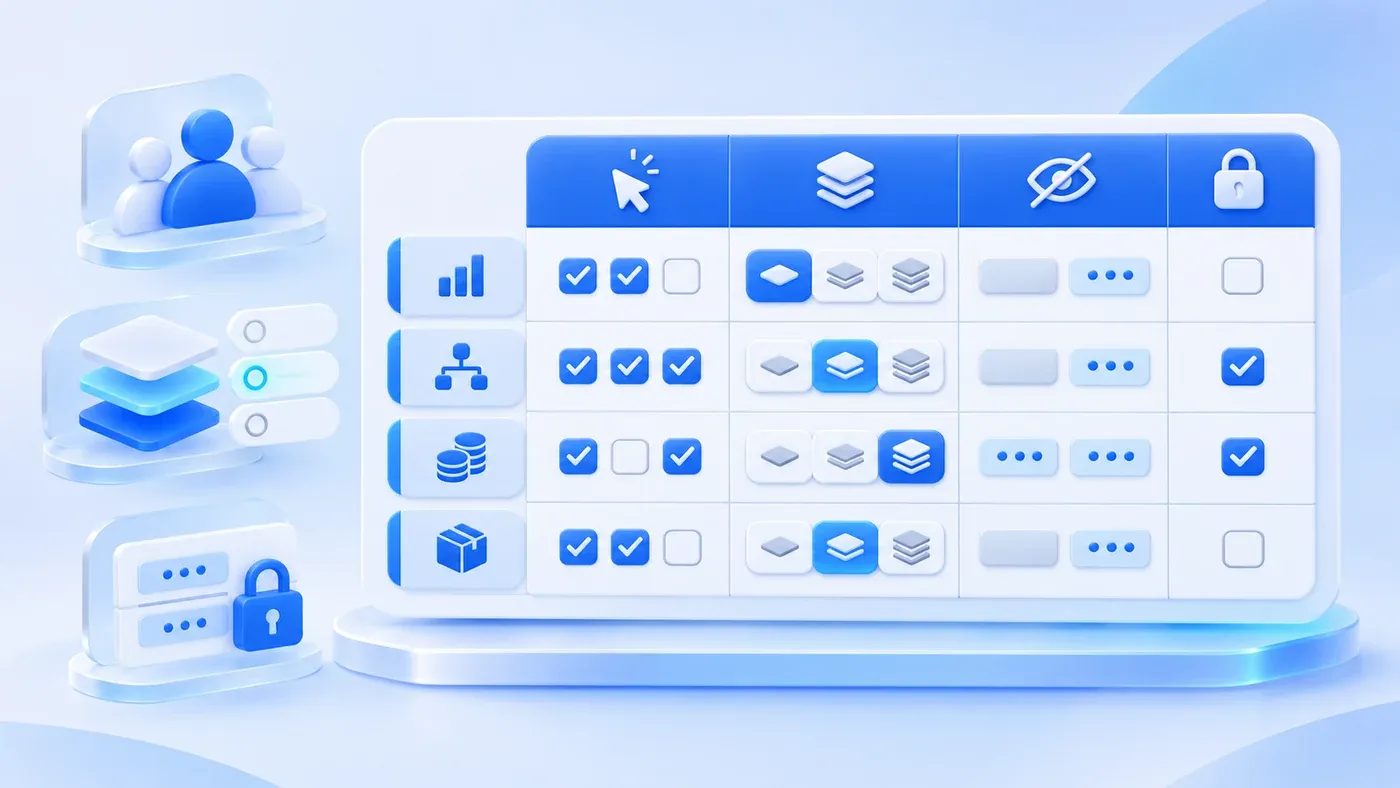
Take this illustrative scenario. In early scoping meetings for a custom business system, role permissions are often summarized in a single sentence: "Our roles are straightforward—sales sees customers and orders, purchasing sees suppliers, finance sees payments, and admins see everything." When that sentence is turned into a basic "Role × Menu" checkbox grid, three problems almost always surface during the first week after launch: Sales Rep A can view Sales Rep B's customer quotes; procurement staff cannot edit orders but can still see gross margin percentages on the detail screen; or a sales rep accidentally edits the contract amount on an order that finance has already settled.
These failures happen not because the team forgot to ask for access control, but because they treated menu visibility as the entire permission model. Defining role permissions clearly does not require writing dense security architecture documents. Instead, you can align business and engineering teams in a single table by splitting every module into four concrete dimensions: allowed actions, record scope (row-level), sensitive field visibility (column-level), and record state conditions.
Why a "Menu Checkbox Grid" Breaks in Real Operations
Many teams start by listing system modules down the left column ("Orders, Customers, Reports") and job titles across the top ("Sales, Manager, Finance"), filling the cells with checkmarks. While that grid tells a front-end developer which links to show in the sidebar, it leaves three critical operational boundaries undefined:
- Same menu, different actions: Sales reps, finance accountants, and warehouse leads all need access to the "Orders" module. However, sales needs to draft and submit orders, finance needs to record payments and export monthly ledgers, and warehouse staff only need to view confirmed items and mark shipments. A single checkmark cannot distinguish between viewing, creating, editing, approving, exporting, and voiding.
- Same action, different record scope: Both a regional sales rep and a sales director can "view and export orders," but the rep should only access accounts they own or collaborate on, while the director accesses the entire department's pipeline. As highlighted in the OWASP Insecure Direct Object Reference (IDOR) Prevention Cheat Sheet, holding a role that permits an action does not grant access to every object of that type—the server must verify the user's ownership or organizational relationship to the specific record being requested.
- Same record, different field sensitivity: A single order record may contain product model numbers, delivery dates, supplier cost prices, distributor rebate rates, and the buyer's direct mobile number. A production scheduler must see the product model and delivery date to plan manufacturing, but has no business reason to see supplier cost prices or personal phone numbers.
Furthermore, the OWASP Authorization Cheat Sheet emphasizes that hiding buttons in the user interface is merely a usability convenience. Real access control must follow a deny-by-default principle and validate permissions server-side on every request—whether it is a list query, a detail view, a form update, or a CSV export. Giving your engineering team a four-dimensional matrix ensures those rules are enforced in the backend rather than painted over in the browser.
(Note: This article focuses on role permissions for operational business systems such as order, procurement, ticketing, and ledger platforms. If you are designing permissions for multi-department AI assistants and tool execution, see How to Design Access Control for a Shared Enterprise AI Platform.)
Break Your Permission Table Into Four Distinct Dimensions
- Allowed action
- Record scope
- Field visibility and edits
- State preconditions
Enforce rules on the server; hiding a menu is not an access-control check.
To keep your permission matrix readable for non-technical stakeholders while making it unambiguous for developers, structure the table around four columns per role:
1. Allowed Actions: Replace "Manage" With Specific Verbs
Avoid vague words like "manage" or "maintain." Break operations down into explicit verbs:
- View (List / Detail): Can the role search for the record and open its detail view?
- Create / Save Draft: Can they initiate a new record and save incomplete work?
- Edit: Can they modify fields on an existing record?
- Transition State (Submit / Approve / Reject / Void): Can they move the record to the next workflow step?
- Bulk Import / Export: Can they upload spreadsheets or export records to local files? (Bulk export should always be granted separately from screen viewing.)
- Delete / Archive: In production systems, hard deletion is usually restricted to unsubmitted drafts, while submitted records can only be voided or archived.
2. Record Scope (Row-Level Boundaries)
For each business object (such as customers, quotes, purchase orders, or work orders), specify which subset of rows the role is allowed to query:
- Own only: Records created by, assigned to, or explicitly shared with the current user.
- Department / Branch: All records belonging to the user's team, department, or regional branch.
- Conditional subset: Records matching a specific operational rule—for example, a warehouse coordinator only sees orders where
status = Approved for Shipmentandwarehouse = East Hub. - All records: Company-wide visibility, typically reserved for executive oversight, financial reconciliation, or audit roles.
3. Sensitive Fields and Attachments (Column-Level Boundaries)
You do not need to list every standard field in your permission matrix. Only call out sensitive fields and files that require confidentiality or tamper protection, such as:
- Financial & margin fields: Supplier base cost, discount percentage, gross margin, bank account details.
- Personal & contact data: Decision-maker phone numbers, instant messaging IDs, private delivery addresses.
- Restricted attachments: Signed contract PDFs, proprietary CAD drawings, vendor quotation sheets.
For each sensitive item, specify one of three behaviors: Hidden (stripped from the server response entirely), Masked (partially obscured, such as 138****5678), or Read-only (visible for reference but locked against editing).
4. State Conditions: When Even the Owner Cannot Edit
Permissions in a workflow system must change as a record moves through its lifecycle. A sales rep may have full edit rights on their own order while it is in Draft or Returned for Revision, but the moment it transitions to Pending Approval or Confirmed, that same rep's permission on the core order fields must drop to read-only. Writing state conditions directly into the matrix prevents unauthorized post-approval edits.
Walkthrough Example: Role Permission Matrix for a Custom Equipment Order Module
Consider a hypothetical scenario: a custom industrial equipment manufacturer is replacing its shared spreadsheets with a web-based order management system across five roles—Sales Coordinator, Sales Manager, Production Scheduler, Finance Accountant, and System Administrator. Here is how their permission matrix defines access to the Sales Order module:
Role | Allowed Actions | Record Scope (Row-Level) | Sensitive Fields & Attachments (Column-Level) | State Conditions & Field Locks |
|---|---|---|---|---|
Sales Coordinator | Create, View, Edit, Submit for Approval, Withdraw, Export own orders | Own only (orders created by or assigned to the user) | Sales price & discount visible; Hide supplier base cost & factory margin; can upload/download own contract files | Can edit or delete only in |
Sales Manager | View, Edit, Approve, Return, Reassign owner, Export team orders | Department (all orders under the manager's sales team) | Sales price, discount, and team margin summary visible; Hide component-level procurement cost; full access to team contract files | Can Approve or Return in |
Production Scheduler | View, Update schedule dates, Update production status, Download technical drawings | Conditional (all orders across company in | Hide all financial fields (unit price, total, discount, cost) and buyer phone numbers; show customer code, specs, deadline, and technical drawings | Can only edit |
Finance Accountant | View, Log payments, Confirm invoicing, Flag discrepancy, Export financial ledger | Conditional (all company orders in | Full visibility into prices, tax rates, costs, payment logs, and signed contract PDFs | Can only update payment and invoicing fields; once marked |
System Administrator | Manage accounts & roles, Deactivate users, Configure dictionaries, View audit logs | All user, role, and audit log records; no direct editing of operational orders | Operational order fields are read-only (or masked per internal policy) | Administers accounts and configuration; cannot approve orders or modify financial amounts on behalf of business roles |
With this single table, business leaders can immediately verify whether factory floor accounts are shielded from pricing data, while engineers have an exact specification for database query filters, API serializers, and state-machine guards.
Five Real-World Edge Cases to Check Before Finalizing Your Matrix
Once the main table is drafted, run through five operational edge cases that frequently cause post-launch friction:
- Users holding multiple roles simultaneously In small and mid-sized teams, a regional sales manager often manages a team while personally handling key accounts, or an operations lead also covers procurement backup. Define how roles combine: permissions should generally union across assigned roles, with explicit exceptions for separation of duties (for example, a user cannot approve a high-value discount request that they submitted themselves).
- Staff leave, role changes, and offboarding Deactivating a departed employee's account must immediately revoke their active session, but their historical orders and customer records must remain intact and reassignable by a manager—while preserving the original creator ID in the audit trail.
- Consistency across search, print views, and CSV exports A common implementation bug is enforcing row-level or column-level restrictions on the main table UI while forgetting to apply the exact same filter to the global search endpoint or the "Export to Excel" action.
- Direct access to uploaded attachments Contract scans and engineering blueprints should not sit on guessable public URLs. Downloading an attachment should verify that the logged-in user currently has permission to view the parent record and that specific attachment category.
- Partial field editing for downstream collaborators Roles like Production Scheduler or Warehouse Coordinator are "read-only" with respect to commercial terms, yet they still need write access to specific execution fields (such as tracking numbers or shipment photos). Call out those writable fields explicitly in the state condition column.
Fill-in-the-Blank Business System Role Permission Matrix Template
Copy the Markdown template below to document your own modules before kicking off development (you can also pair this with our Business System Project Preparation Checklist to gather sample spreadsheets and workflow rules):
[Business Module Role Permission Matrix]

- Module / Business Object Name: (e.g., Sales Order / Purchase Request / Service Ticket)
- Record Lifecycle States: (e.g., Draft → Pending Approval → Returned → In Execution → Completed → Voided)
- Sensitive Fields & Attachments in This Module: (e.g., Unit Cost, Gross Margin, Buyer Phone Number, Signed Contract PDF)

| Role Name | Allowed Actions (View / Create / Edit / Submit / Approve / Export / Void) | Record Scope (Own / Department / Conditional / All) | Sensitive Fields & Attachments (Visible / Masked / Hidden / Read-Only) | State Conditions & Editable Field Limits |
|---|---|---|---|---|
| Role A: | | | | |
| Role B: | | | | |
| Role C: | | | | |
| Role D: | | | | |
| System Admin | | | | |

[Edge Cases & Governance Rules]
1. Multi-role union rules & separation-of-duty restrictions (e.g., can a user approve their own submission?):
2. Which role is authorized to reassign active records when a team member goes on leave or departs:
3. Which roles are permitted to bulk-export data, and what audit logging applies:
Turning vague role descriptions into a four-dimensional matrix gives both your operational leads and your development team a testable contract before a single database table is built. If you are planning to replace scattered spreadsheets or legacy tools with a structured internal platform, explore our Business System Development Services or bring your draft matrix to our consultation page to discuss your workflow.
