
Key takeaway
Keep a short list of mutually exclusive business statuses for where the order is in the main flow. Missing addresses and unpaid balances are flags that can coexist. Saving and submit-failed stay on the screen, not in the order status. Add a status only when the allowed actions and the next step both change.
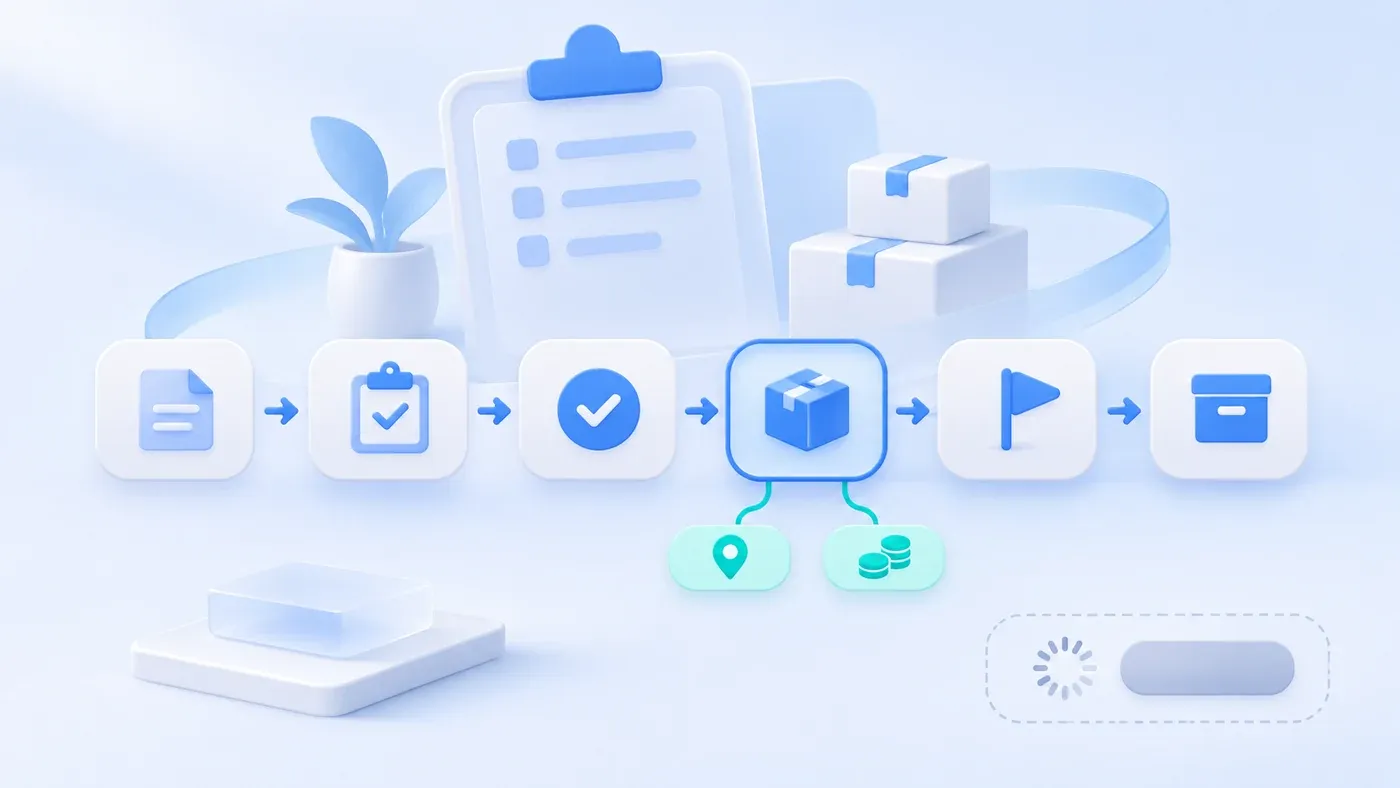
Suppose the following happens. The order status dropdown already has a dozen options: pending confirmation, confirmed, in production, partially shipped, shipped, received, exception, paused, waiting on finance, cancelled, completed, in after-sales. Every special case becomes a request for one more. Three months later, "completed" means three different things in the reports, and nobody trusts the filter.
An order status stays usable when it answers one question: where is this order in the main flow? A missing address, an unpaid balance, and a button that says "saving" do not belong in that dropdown. They are either flags that can coexist, or feedback about this one click.
Split three kinds of state first
- Business state: current stage
- Exception flags: may coexist
- UI feedback: this interaction
A business status is exclusive. At any moment an order has one current value, such as "in fulfillment." That value decides which actions are allowed and which steps can come next. Lists, permissions, and most reports should hang off this layer.
Exception flags can stack. An order in fulfillment can be both "address incomplete" and "balance unpaid." A flag changes whether a particular action is allowed. It does not move the order into a different life. When the address is fixed, the flag disappears and the business status stays put.
Screen state describes this attempt only: saving, validation failed, submit failed. It sits next to the button and ends when the page is left or refreshed. Stored as an order status, it creates fake orders stuck on "saving." Success, failure, and duplicate submits on a public inquiry form are the same kind of feedback. Do not reuse them as order progress.
Another mix-up is naming a status after a department: "waiting on finance," "waiting on the warehouse." That is usually a task assigned to a role, not the order's progress. The task can hang on the order. The order does not need to be renamed for every department that touches it.
When a new status is actually justified
Add a business status only when all four are true:
- It is exclusive. The order cannot be in this step and another step at once.
- The allowed actions change. What a person can do here differs from the steps before and after.
- The owner or the wait condition changes. Someone must act differently because the order is here.
- Entry and exit are clear. Who moves it in, and which statuses it may move to.
If you only need a filter, use a flag or a field. "Partially delivered" is a flag: the order is still in fulfillment, the shipment is just incomplete. If you only need a one-time reason, use a reason field. Cancelled can be a terminal status, but "customer cancelled," "we cancelled," and "duplicate order" are reasons, not three statuses.
Every extra status has to be carried through lists, exports, permissions, and reports. Say that cost before adding one. A new status is not a light edit to a dropdown.
Whether a draft may be saved with missing fields is a question about draft, submit, and taking effect. The sample below treats draft as the starting point and does not specify save rules. Where a rejected confirmation returns, and whether earlier approvals still count, is an approval-path question. Do not invent an order status for each rejection reason.
A hypothetical transition table
This is a hypothetical case, not a real company's rules. The setting is an equipment trader that buys against each order: confirm scope and delivery date, then fulfill, then close out payment and acceptance. Rename the roles and the cancellation rule to match the real contract.
Current status | Meaning | Allowed actions | Who may do them | Allowed next status |
|---|---|---|---|---|
Draft | Not submitted; nobody should buy or ship against it | Keep editing, delete, submit | Creator | Pending confirmation; deletion removes it |
Pending confirmation | Submitted, waiting for scope and date to be confirmed | Confirm, send back, cancel | Sales lead | Confirmed, draft, cancelled |
Confirmed | Scope and date are fixed; fulfillment may start | Start fulfillment; cancel only if the agreement allows | Sales lead or fulfillment owner | In fulfillment, cancelled |
In fulfillment | Goods are being prepared or delivered | Record delivery progress, finish delivery, pause an action when blocked | Fulfillment owner | Ready to close; pausing does not change this status |
Ready to close | Delivery is done; payment or acceptance is still open | Confirm close, send back to fulfillment | The agreed finance or project owner | Closed, in fulfillment |
Closed | The main flow is over | Read only; after-sales is a new record | Written when close is confirmed | None |
Cancelled | Will not be fulfilled | Read only, with a cancel reason kept | Whoever holds cancel rights | None |
Use flags beside this table, not more statuses:
Flag | May appear during | What it restricts | When it clears |
|---|---|---|---|
Address incomplete | Pending confirmation, confirmed, in fulfillment | Shipping is blocked | Address fields validate |
Balance unpaid | Confirmed, in fulfillment, ready to close | Your own rule decides whether shipping or closing is blocked | Amount received meets the agreement |
Partially delivered | In fulfillment | Does not change status; describes progress | The agreed delivery is complete |
Confirmation still open | Pending confirmation, ready to close | The related action stays disabled | That confirmation passes or is withdrawn |
"Pause an action" stays inside "in fulfillment." Promote it to a status only if the owner changes and restarting needs its own approval. Otherwise it is a flag plus a reason.
Write down the transitions that are not allowed
Listing legal next steps is not enough. Disallow these explicitly, so an import or a direct edit cannot jump the line:
- A draft cannot become closed or in fulfillment. An unsubmitted order should not enter delivery.
- Closed and cancelled cannot move backward. Continuing the work means a new order or an after-sales record linked to the original.
- A cancelled order cannot record another shipment.
- Setting "address incomplete" must not automatically leave "in fulfillment." Flags and status update separately.
- A failed submit on screen must not create a business status. After failure, the order remains where it was before the click.
Each successful change should keep its own history: who, when, from which status, to which status, and why. The current status stores only the latest value. History is not another set of options called "was waiting on finance."
An order-status checklist
[Order status checklist]

1. Main flow
- Which business statuses exist, and are they mutually exclusive:
- One sentence a colleague would accept as the meaning of each:
- Which actions each status allows, and who may take them:
- Which next statuses are legal from each:

2. What stays out of the dropdown
- Which situations are flags and may coexist:
- Which action each flag blocks, and when the flag clears:
- Which labels are really department tasks and should be work items:
- Do "saving" and "submit failed" stay on the screen only:

3. Endings and banned jumps
- Which statuses are terminal:
- If work continues after an ending, is it a new record or a reversal:
- Which transitions are explicitly disallowed:

4. History
- Does every change store actor, time, and reason:
- Which status does "completed" mean in reports, and which synonyms are banned:
List every status word already living in the spreadsheet, then decide for each one: keep it, turn it into a flag, or drop it. If orders, shipments, and payments still sit in different sheets, business system development is the conversation about whether they belong on one chain of records, and the system preparation guide is where those old column names get collected.
Whether a lead should be nudged, and who hears about a timeout, is covered in the sales follow-up workflow breakdown. Those statuses serve follow-up. They are not a reason to grow an order dropdown every month. The difference between CRM, SCRM, and AI CRM is covered in that product comparison. It answers which kind of product you are looking at, not how one order moves.
