
Key takeaway
For each alert, write the trigger, recipient, channel, whether it is bundled, the repeat cap, who gets an escalation, and what stops it. Work that can wait on a queue does not need its own push. Escalation changes the recipient; it does not ping the same person faster. Sample times are examples, not a standard.
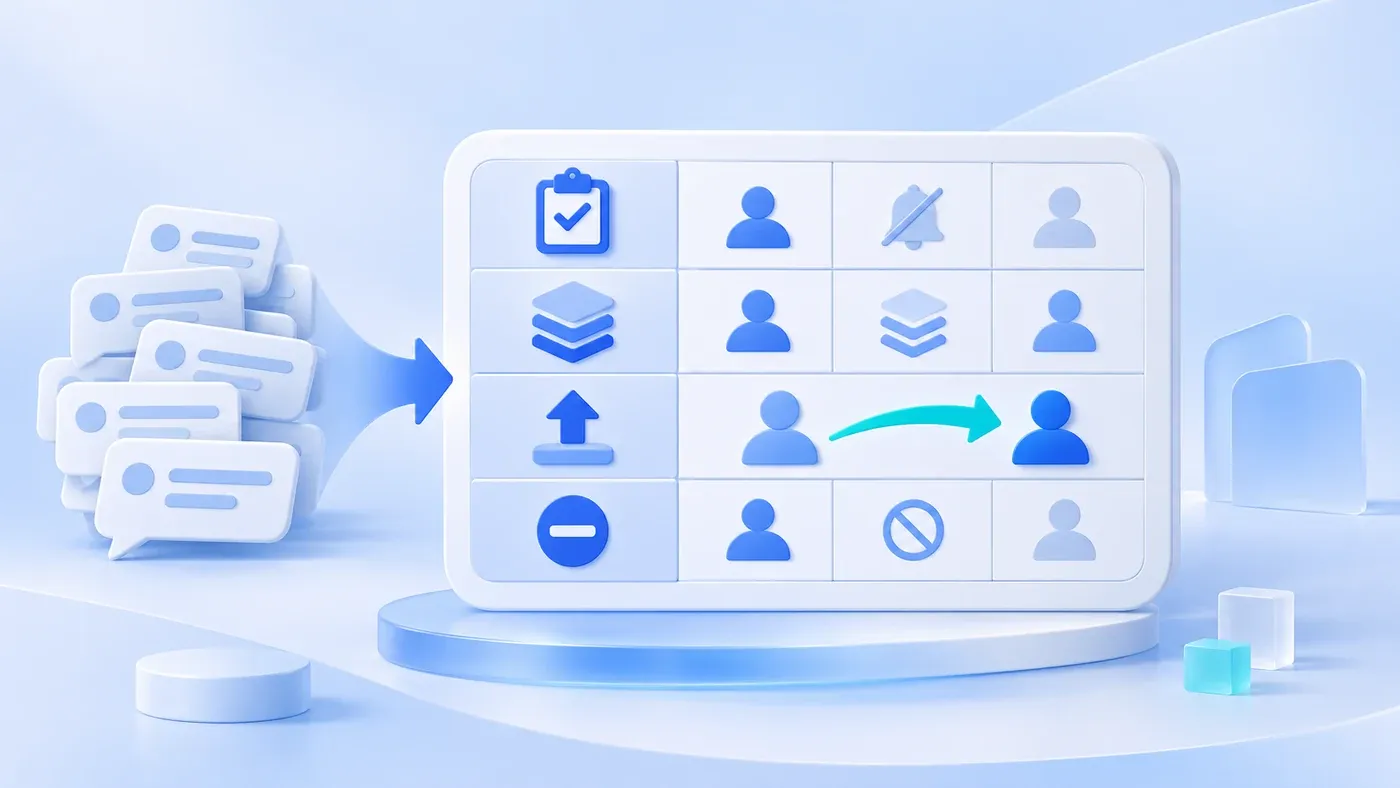
Suppose the following happens. Every order status change messages sales, the manager, the warehouse, and finance. In week one, people still open them. In week two the channel is muted. A shipment that is actually late sits in the same pile as routine updates, and nobody separates them. The alerts have become background noise.
Write the rule before you send anything. For each event, state when it fires, who receives it, which channel it uses, whether several events collapse into one message, how many repeats are allowed, who receives it if time runs out, and what makes it stop. Work that can sit on a workbench queue does not also need its own push.
The workbench lists the work; a notification is only for what will be missed
A workbench is a list that stays. When someone opens the system, the queue, the exceptions, and the waiting items are there. A notification is an interruption. It fits two cases: the work has a time limit and this person will not be looking at the workbench, or skipping the interruption has a concrete cost, such as a payment approval that has already passed the time you agreed.
The default is therefore not to push. An order assigned to a salesperson can appear only under "assigned to me." If that person works in the system all day, a second message that says "you have a new order" says the same thing twice.
The message should carry the record ID and open that record, not the home page. A message that does not open the work gets treated as an advertisement. One message should also be one kind of action. Do not put company announcements, birthdays, and overdue approvals in the same channel, or muting it will silence the overdue approvals too.
Every column of the rule table has to be filled
Column | What to write |
|---|---|
Event | A business sentence, such as "approval has sat with the current person past the agreed time." Not "something changed" |
Recipient | One role or one named owner. "Relevant colleagues" means nobody |
Channel | The one you will actually use: a workbench marker, email, WeCom, or SMS. Do not list a channel you have not connected |
Bundle | For one recipient and one event type, whether a time window sends one message or one per record |
Repeat cap | How many times the same record may alert again. At the cap, stop or escalate. Do not continue |
Escalation | Who receives it next. Escalation is not a higher frequency aimed at the same person |
Stop | The record was handled, returned, taken by someone else, or the day's digest window ended |
Pick a channel people already see. An office approval can be email or WeCom if the team really uses it. Do not turn every channel on for completeness. SMS in particular should be rare. It does not bundle well, and it is the fastest way to make someone mute the product.
Every interval is filled in by the business. The numbers later in this article are hypothetical examples of how to fill the table. They are not a standard for every company.
A hypothetical example: four events, four densities
The setting is the same imaginary equipment trader.
Event | Recipient | Channel and bundling | Escalation | Stop |
|---|---|---|---|---|
An order is assigned to me | That salesperson | Workbench only. If the person is not in the system that day, example: bundle orders from a 15-minute window into one email | None | They open the record, or the order leaves their queue |
Approval is past the agreed time | The current approver | One message at the deadline, not repeated the same day for that request | After one further agreed interval, send once to their manager | Approved, returned, or closed |
Shipments due tomorrow | Warehouse lead | One digest at a fixed time each working day, not one push per order | If it is untouched that day, do not message the whole company | The list is empty, or the day's window ends |
An import failed | The person who uploaded it | The on-screen receipt is the result. One message only, pointing at that receipt | None | They open the receipt |
Of these four, only the late approval, and the new-order mail when someone is away from the system, deserve a push. Shipping is a digest. Import is the receipt on screen. If all four go out one by one, the rule table did nothing.
A bundled message should include the count and the oldest or most urgent item. For example: "You have 6 new orders. The earliest promised ship date is tomorrow." "You have a new message" still sends the person back to hunt.
Escalation changes the person; stopping needs a cause
If the same person ignores something three times, raising the frequency rarely helps. They may be away, they may lack permission, or the alerts may already have buried them. The rule should send the next message to someone else named in advance, and the message should say it is late, not that it is new work.
Do not escalate into a department group. Everyone in the group will assume someone else is looking. Name a role: the warehouse lead's manager, or the delegate already written into the approval rule. What happens when that delegate is also away is a handoff design. It should not be invented in the notification table.
The stop condition matters as much as the trigger. If a request has already been returned to the drafter and the original approver still receives "please approve soon," the stop condition is not tied to the status. If someone else has taken an order and the original salesperson still gets follow-up alerts, that is the same mistake.
Recipients should be able to turn off some types, such as new-order email, and not others, such as an approval timeout. Write that split on the rule table. If everything can be turned off, there is no rule. If nothing can, people mute the whole app on their phone.
Follow-up messages to customers need a separate guard against bothering them. This article only covers notifications inside the company. When a lead should be reminded, and how not to over-contact the customer, belongs to the follow-up workflow article.
A notification checklist
[Notification rule checklist]

1. Whether to push
- Is this event already on someone's workbench queue:
- What is the cost if they do not open the system:
- If the cost is low, is it explicit that there is no push:

2. The rule
- Trigger, and which status or time field it uses:
- Which role receives it, not which group:
- Is the channel actually in use; are events in one window bundled:
- How many times may the same record alert:

3. Escalation and stop
- After the timeout, who receives the next one, and is it only once:
- Which statuses stop the notification:
- Which types the recipient may turn off, and which they may not:

4. The message
- Does it include the record ID, and does it open that record:
- Does a bundle state the count and the most urgent item:
Take the reminders the team chat already sends every day and put them in this table. Delete the rows that only repeat a queue. Current routines can be collected in the system preparation guide before you decide which alerts belong in business system development.
Time limits, reminders, and the boundary against bothering a lead are covered in the sales follow-up workflow breakdown. When a customer-service answer should go to a person is covered in the FAQ workflow breakdown. Neither replaces this internal rule table.
