
Key takeaway
Name who exports, which rows, which date field, which columns, and whether sensitive fields are included. Past an agreed size, download now or pick the file up later. Opening a screen is not permission to export. Files need an expiry and a log.
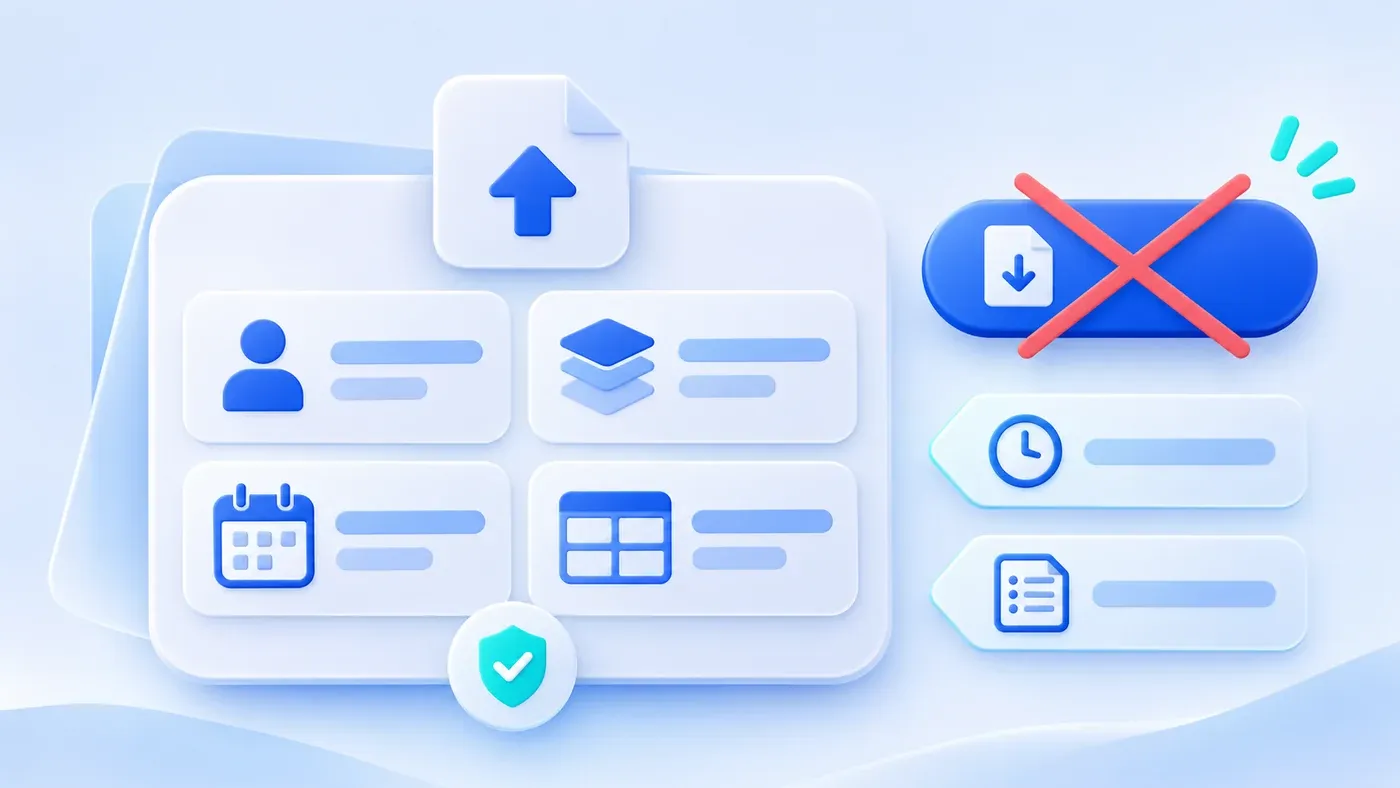
Consider a hypothetical case. Someone says the admin needs an export button. Two weeks later the button exports every order, every year, and every column. Finance receives internal cost and a colleague's phone number, and the page waits until it times out. The button exists. The rules do not.
Each export should be a small specification before anyone builds it: who uses it, which rows, which date, which columns, whether sensitive fields appear, the file format, what happens when the result is large, and whether the action is logged. Being allowed to open a screen is not the same as being allowed to take those contents out of the system.
Write seven items, then build the button
- Name. "Export" is not a name. "My shipments due" and "this month's shipment reconciliation" are names. Different names mean different scopes.
- Who. Which role may run this export. Do not write "anyone who can sign in."
- Which rows. All of them, only records the person owns, or only after a filter is applied. Refusing a full export when no filter is set is usually the steadier default, unless this action is an administrator's backup.
- Which date. Name the date field and the default range. Order date, ship date, and the time a status became "shipped" are not the same month.
- Columns. List them. Do not write "all relevant fields." Internal cost, personal phone numbers, and ID numbers are either listed with a reason or explicitly absent.
- Format and headers. A spreadsheet file is the usual choice. Headers should be names colleagues recognize, with the money unit and the time zone. Without the unit, the file cannot be checked against the screen.
- Size and a log. Past an agreed size, either the page keeps waiting for a download, or the system prepares a file to pick up later. It should be possible to see who exported which kind of file, when, and over what scope.
These seven items are not "who may open the order menu." A permission matrix says whether the action exists for that role. The export spec says what the file contains. You need both.
If the date basis is unstated, the file will match nobody's expectation
"Export the current list" sounds cheap. The list may be sorted by created date, while finance wants what actually shipped this month. On the same click, sales means the month of the order and the warehouse means the month it left.
Name the field in the spec. Do not write "by time." For example: shipment reconciliation uses the ship date, the default range is from the first of this month through today, and the time zone is the one the business operates in. Repeat that sentence next to the button. Put the date range in the file name so three files called "orders export" can be told apart.
How a summary number is defined, such as whether sales include cancelled orders, is a metric question. An export only has to make it obvious why each row fell inside the range. The range rule and the metric rule should be able to agree. The export feature does not have to invent a second set of metrics.
Opening a record is not a reason to export the same fields
Looking at an order on screen still sits inside permissions, the page, and an access path you can review afterward. A downloaded file can be forwarded, mailed, and dropped into a personal sheet. Export should be authorized on its own, and it may include fewer fields than the screen.
A salesperson may open their own order and see a delivery phone number because they need to contact the customer. The same person's "shipments due" file might keep the recipient and the address and leave the phone out, if the shipment list does not need it. Finance needs amounts for reconciliation and does not need the customer's mobile number. An administrator backup may contain more fields, and it should not be the button everyone else uses.
This article does not decide whether a given kind of personal information may legally be exported. That depends on the business and the requirements that apply to it. The requirement here is narrower: a sensitive column appears because someone named it and agreed, not because an entire database row was dumped.
When the file gets large, do not only make the browser wait
A small result can download immediately. A large one that leaves the page spinning will be clicked again, and the system will do the work twice. Set a size threshold in advance. For example, above 5,000 rows, switch to a file that is picked up later. Five thousand is a hypothetical example, not a general limit. The real number depends on your servers, how many columns you include, and how long people can stand to wait.
Pickup needs four small rules: where the file is collected once it is ready, when it expires, whether it is deleted after expiry, and what the page says if preparation fails. Give the link or button only to the person who started the export, not to an address anyone can open. The lifetime is yours to set. Twenty-four hours in an example is not a standard you must follow.
If a full backup is required, make it a separate action for a named role, preferably on a schedule, not an "export everything" control on the everyday screen. Where that file is stored and how it is restored is a different delivery. Do not share the button with daily reconciliation.
A hypothetical example: three exports of the same orders
This is hypothetical, not a real company's specification. The orders are one set. The exports should not share one list of every column.
Name | Who | Rows | Date basis | Fields | Sensitive fields | When it is large |
|---|---|---|---|---|---|---|
My shipments due | Salesperson | Only records they own, and only if the status allows shipping | Not cut by month; ordered by promised ship date | Order number, recipient, address, promised ship date, item, quantity | No phone numbers, no internal cost | Example: above 5,000 rows, pick up later |
This month's shipment reconciliation | Finance | All shipped records, any owner | Ship date inside the chosen month | Order number, customer name, ship date, quantity, amount due, currency | No personal phone, no internal cost | Same, and the file name includes the month |
Full backup | A named administrator | All orders | No cut; each row keeps its own date fields | Columns needed to restore the business, listed separately | May be included only if each column is named in the spec | No immediate download; generated on the agreed schedule |
The easy shortcut is to let finance use the sales file, or to let everyone use the backup. The moment the columns follow the widest need, the narrower exports lose their boundary.
Export and import meet when someone downloads a file, edits a few cells, and uploads it. If that path is allowed, the import key and the overwrite rules have to be set at the same time. If it is not allowed, say so on the export: this file cannot be imported back.
An export checklist
[Export requirements checklist]

1. This export
- Name:
- Who may run it:
- Row scope; can it run with no filter:

2. Time and columns
- Which date field, what default range, which time zone:
- Column names, and the unit for amounts:
- Which sensitive columns are absent; if any are present, who agreed:

3. The file
- Format, and what range information the file name carries:
- Above what size it switches to later pickup (measure this yourselves):
- Where a later file is collected, when it expires, and what failure says:

4. The record
- Do you log who exported, when, which type, and which scope:
- May this file be imported again; if yes, what is the key and what may it overwrite:
One row per export is more useful than an export-everything button. The files people already pull out of their current sheets can be gathered in the system preparation guide before you decide which ones deserve a formal action. When scope and permission need to live in the admin together, see business system development.
Treating "can we take the data with us" as a selection rule is covered in tool-stack principles for a small team. That piece helps you refuse a tool you cannot leave. It does not replace the specification above. Who may use which data and tools on an AI platform is covered in access control for a shared AI platform. That is a check on a different kind of request, not how an order file is exported.
