
Key takeaway
For each file type, write who may preview, download, and delete, and when a shared link expires. A link is not a permission. Old addresses stop when the link expires or access is removed. Log the file ID, version, person, and time, not the file body. Opening an order does not grant every file.
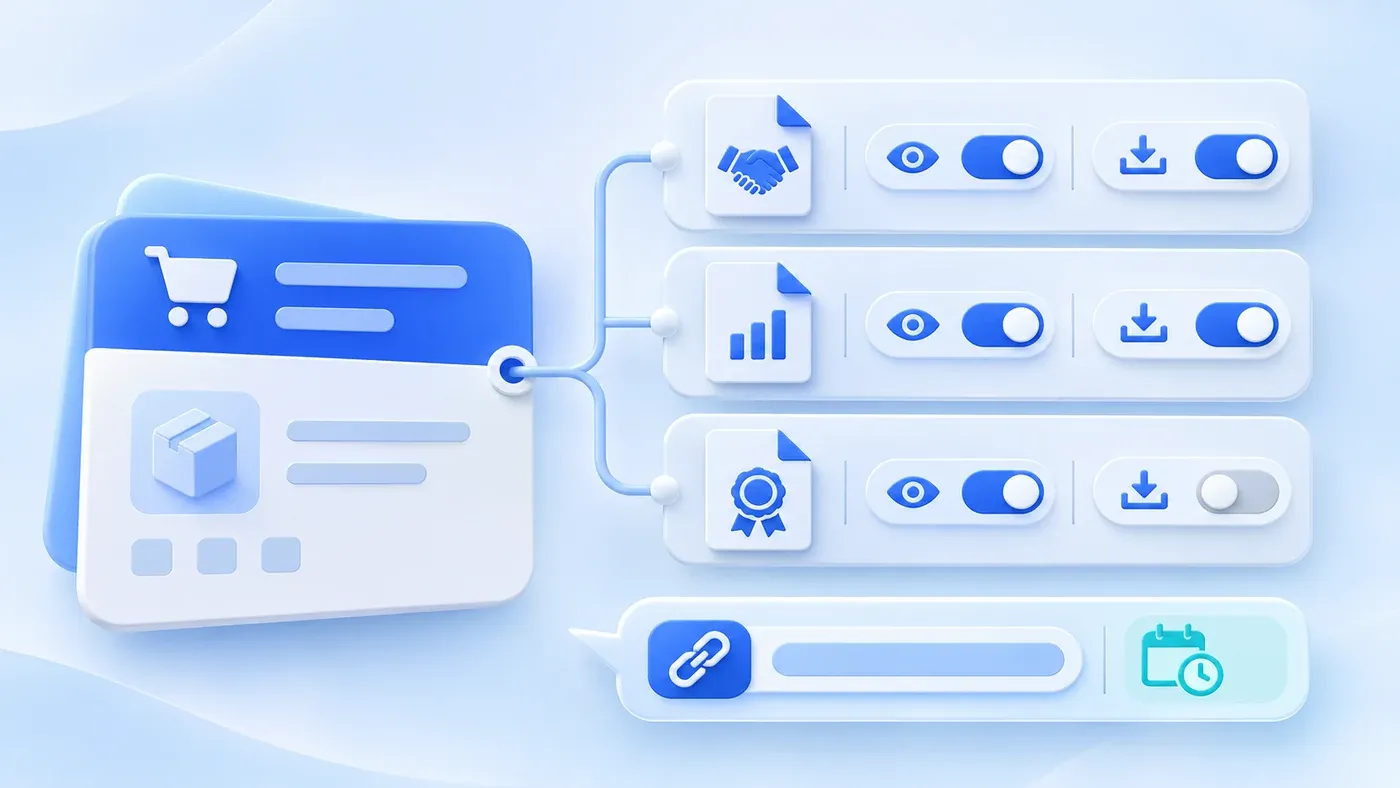
Take this illustrative scenario. A contract PDF hangs on an order. Sales can open the order, so they can download the contract. An intern who only needed the delivery date opens the same order and the contract comes with it. A former colleague still has last year's file address in their mail, and it still downloads. The gap is not a missing shared drive. Nobody wrote, for this kind of file, who may look and who may take it away.
Specify preview, download, delete, and sharing separately for each kind of attachment. An address you share has to expire. Opening an order means the person may work on that order. It does not mean they may download the contract, the quote, and the identity documents attached to it.
Hang the file on a record before deciding who opens it
An attachment needs an owner record: an order, a customer, or a payment request. A file with no owner is protected only by whatever the folder happens to be called. When someone stops owning that customer, they should lose the contract with it, rather than keep an address they copied at the time.
One order can hold files of different sensitivity. A quote, a signed contract, and a scan of an identity document should not share a single rule called "order attachments." The identity scan usually needs a tighter download rule than the quote. If the system can only switch attachments on or off for the whole order, the requirement should say that the switch follows the strictest file type, or that control has to be per type.
When two customers are merged, files move to the customer you keep, and download rights do not get wider because of the merge. If the person merging could not download the file before, they still cannot.
Preview, download, delete, and share are four different acts
OWASP authorization guidance calls for permission checks on each request, beyond hiding a download button.
Preview means seeing the content inside the system. Download means taking the file outside it. Those can be authorized separately. Finance might preview a contract to check an amount and still not be allowed, by default, to save it on a personal computer. Warehouse staff who open the order for a ship date might not see the contract row at all.
Delete is not a tidying action for everyone. Removing a contract affects an order that may already have been sent. Who may delete should be written on its own, and it is usually a shorter list than who may download. After deletion, addresses that were already sent must stop working. Hiding the row on screen is not enough. Whether the system erases the file immediately or hides it and clears it later is a choice you make for your own needs. This article does not decide which choice meets a retention duty.
A shared link is a temporary entrance, not a second kind of permission. The person who creates it must already be allowed to download. The link needs an expiry. Twenty-four hours is a hypothetical example, not a standard. The recipient does not gain a lasting, account-level right to download. If permission is removed or the file is deleted, links that have not yet expired stop as well.
Do not paste a permanent storage address into mail or a team chat. That address has no recipient, no expiry, and no way back.
A hypothetical example: three files, four kinds of people
This matrix is hypothetical, not a company policy. Sales is limited to customers they own. Finance and warehouse are by function. The administrator is one named account, not every manager.
File | Sales, for their own customer | Finance | Warehouse | Named administrator |
|---|---|---|---|---|
Quote | Preview and download | Preview, no download | Hidden | Preview and download |
Contract | Preview, no download | Preview and download | Hidden | Preview and download |
Identity or license scan | Hidden | Preview; download asks for a second confirmation and is logged | Hidden | Preview; download is logged |
An empty cell does not mean "allow it for now and tighten later." An action the matrix does not grant is unavailable.
After a new version is uploaded, the old version stays under the same matrix. It does not become public because a newer file exists, and it should not be overwritten until the versions can no longer be told apart. The download log has to show which version was taken. If an old version should no longer be downloaded by the business, mark that version retired. Do not rely on everyone clicking the latest one.
A download log records the act, not the file body
Each preview of an identity document, each download, and each link created stores the file ID, version, actor, time, action, and result. A download that fails is included, for example because permission was removed a moment earlier.
The log does not store the file contents. The contract stays in the attachment. If the log keeps another copy of the body, anyone who can read the log walks around the matrix.
An export of the order table should not turn attachments into permanent addresses. If an export needs the file, that is a separate download authorization, not an unexpiring link sitting in a cell.
Who may read this log follows the same viewing rules as the activity log. A salesperson who may download their own quotes does not thereby see every identity-document download in the company.
An attachment checklist
[Attachment access checklist]

1. Where it hangs
- Which record type owns each kind of file:
- Which types on the same record must be authorized separately:
- When someone no longer owns the customer, do preview and download both stop:

2. Actions
- Who may preview, download, delete, and create a link:
- Is every action the matrix does not grant unavailable:
- After deletion, do addresses already sent stop working:

3. Links and versions
- When a link expires; do unexpired links stop when permission is removed:
- Can a storage address with no expiry be pasted into mail or chat:
- After a new version is uploaded, under what rule does the old one remain downloadable or stop:

4. The log
- Are identity previews, downloads, and link creation all recorded:
- Does the record include file ID, version, person, time, and result:
- Is it explicit that the log does not store the file body:
Fill the matrix for the contract, the quote, and one more sensitive scan first. If all three still share one rule, the matrix is not finished. Where the files live today, and who uses them, can be collected in the system preparation guide. If preview and download should follow the record, put that into the scope of business system development.
How a knowledge base excludes documents before retrieval is covered in permission levels for an enterprise knowledge base. How a content library names files and tracks rights is covered in managing an enterprise asset library. Neither is the access matrix for files on an order.
