
Key takeaway
Separating domestic and overseas frontends does not require two CMS backends or codebases. Drive both hosts from one template codebase and one bilingual CMS record: share read-only media, disable silent fallback, gate public pages with localeReady, and localize WeCom vs. WhatsApp contact settings.
Companies expanding overseas often hit a practical hosting need: domestic visitors in mainland China require fast local access and a compliant primary domain, while international buyers expect an English site hosted closer to overseas networks. Many businesses respond by placing the domestic site on www.example.com and the international site on en.example.com or an offshore server. Separating frontend hosts makes sense—yet teams frequently turn that hosting decision into an operational trap by building two separate CMS backends and two divergent codebases.
Six months later, the double workload shows up everywhere. Fixing a header menu takes two codebase edits. A product spec changes in Chinese before a trade show while the overseas site keeps outdated specs for months. Publishing one company update forces editors to log into two admins, upload images twice, and track translation parity in spreadsheets.
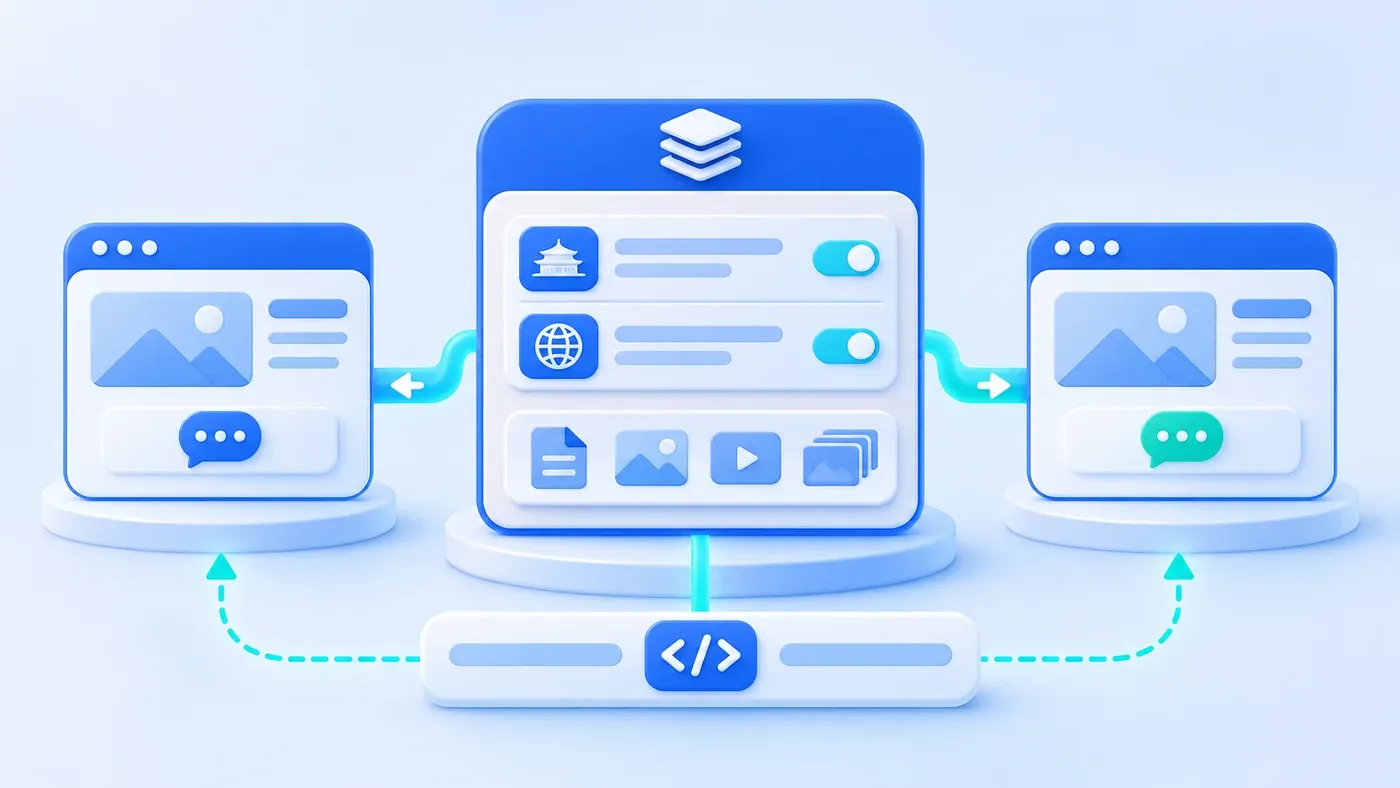
Separating frontend hosting or domains does not require two CMS backends and two codebases. The maintainable design runs one shared template codebase powered by one unified bilingual CMS source: both languages live on the same record, share a read-only media store, disable silent fallback, gate public visibility through a shared publish status plus a per-language localeReady flag, and localize domestic WeCom versus overseas WhatsApp contact settings without duplicating templates.
Why Separate Hosting or Domains Never Justifies Two Backends
Teams build two separate sites mainly because they confuse delivery topology (where servers sit and which domains serve pages) with authoring and code ownership (where templates live and where editors write).
As explained in Google Search Central's guide to managing multi-regional and multilingual sites, gTLD subdomains such as en.example.com alongside www.example.com allow separate server locations and site separation. Yet host separation governs how pages reach visitors—it never requires duplicate content databases or parallel UI repositories.
In a hypothetical scenario where an equipment manufacturer builds two independent admins and codebases, four drift failures appear:
- Template drift: A mobile menu or form fix shipped to the Chinese repo skips the English repo unless ported twice.
- Specification drift: Lead times, discontinued models, and scope limits update in one admin while the other stays stale for months.
- Duplicate uploads: Photos and diagrams are uploaded and cropped twice, and graphic updates regularly miss the second host.
- Broken language mapping: Unrelated IDs and slugs sever cross-language ties, turning switcher maintenance into manual spreadsheets.
Decoupling delivery from authoring solves all four: each host applies environment config to render its locale from one shared base.
Choosing a Single-Source Dual-Site Distribution Pattern
With one codebase and one CMS source, three distribution architectures handle regional separation cleanly (contrasted against split backends):
- Single CMS + Dual-Host Shared Codebase: One repository deploys to domestic and overseas hosts, switched by environment variables (
SITE_LOCALE=zhvs.en). Both pull publishedlocaleReadycontent from the central CMS API and load assets from shared read-only media (such as synced object storage). Ideal for frequent updates with live preview, provided caching and purge hooks prevent slow cross-border API reads. - Single CMS + Build-Time or Snapshot Distribution: Editors work in one admin, and publishing triggers static/bundle exports pushed separately to domestic and overseas hosts. Frontends run with zero cross-border database dependencies, though draft previews remain on the central host and consultation forms (
POST) need an explicit API endpoint. - Single Origin + Edge Multi-Domain Routing: When network rules allow one origin behind regional CDNs, one app inspects the hostname (
wwwvs.en.) to render each locale. Simplest to run, though unsuitable when physical servers must sit inside and outside mainland China separately. - Two Independent CMS & Codebases (Anti-Pattern): Justified only when regional entities operate different brands, catalogs, and layouts; otherwise it doubles engineering effort and locks in drift.
Single-CMS Dual-Site Distribution Architecture Selection Matrix
Architecture Pattern | CMS & Codebase Setup | Deployment & Sync | Best-Fit Conditions | Operational Trade-offs |
|---|---|---|---|---|
Single CMS + Dual-Host Shared Code | 1 CMS + 1 codebase via env vars | Regional hosts pull published API & synced read-only media | Physical host split alongside frequent edits and live preview | Needs caching, purge hooks, and read-only media sync |
Single CMS + Build/Snapshot Push | 1 CMS + 1 codebase built per locale | Publish events push static bundles to regional hosts/CDNs | Regular update cadence; zero cross-border DB dependency | Needs CI/CD push pipeline; forms require explicit endpoint |
Single Origin + Multi-Domain Routing | 1 CMS + 1 codebase + 1 origin | Origin switches locale by hostname behind regional CDNs | Physical server split not required; minimal ops desired | Constrained by single-origin location and hosting rules |
Two Independent CMS (Anti-Pattern) | 2 admins + 2 template repos | Manual copy-paste, double uploads, spreadsheet audits | Entities sharing virtually no brand, catalog, or templates | Doubles template effort; guarantees long-term spec drift |
One Bilingual Record: localeReady Gates, Shared Media, and Localized Contact Config
- Shared content and templates
- Separate language fields
- Publish when ready
- Deliver for each deployment
Keeping both hosts consistent without delaying domestic updates relies on four mechanics inside your unified CMS:
- Field-level localization on one record: Per Payload CMS's Localization docs, localization works at the field level (
localized: true) rather than duplicating documents, keeping interface labels (I18n) distinct from data (Localization). Shared fields—slug, categories, publish dates, and service links—are saved once alongside parallelzhandencopy. - Shared
_statusplus per-languagelocaleReady, with fallback off: Per Payload CMS's Drafts guide, standard drafts share one document_status(draft/published), keepingdraft: trueedits in versions, while localized status (localizeStatus) remains in beta. A reliable pattern keeps_statusshared, adds a localizedlocaleReadycheckbox ("Current language verified for release"), and setsfallback: false. If Chinese ships first while EnglishlocaleReadystays unchecked, the English host keeps that URL offline rather than leaking Chinese copy inside an English shell—avoiding the mixed-language pitfall warned against in Google's multilingual site guide. Editors can also filter directly for "ZH live, EN pending." - Shared read-only media reuse: Upload product photos and diagrams once; both locales reference the same media ID with separate
alttext. Only screenshots containing embedded labels need a localized graphic swap. - Localized global contact settings: Keep logos and structure shared while localizing inquiry channels in Site Globals. Domestic hosts output WeCom links and QR codes, while overseas hosts output official WhatsApp links and English form copy—matching the pattern on our Contact Us pages. Submissions tag source locale and host so coordinators know which site generated each lead.
Domestic & Overseas Dual-Site Content Maintenance Responsibility Matrix (Marketing / Translation / Business Review / Ops)
Maintenance Scenario | Marketing Ops | Translation & Localization | Business Review | Ops & Tech Support |
|---|---|---|---|---|
Shared Brand & Media Updates | Uploads source once with rights notes and | Adds | Verifies legal names, claims, and asset licenses | Maintains read-only media sync and hashed delivery |
Simultaneous Bilingual Launch | Drafts Chinese blocks and attaches shared visuals | Rewrites English copy using glossary and local units | Signs off on scope and specs in both languages | Verifies dual-host routing and live |
Domestic First, Overseas Later | Checks Chinese | Pulls from "EN pending" filter and prepares preview | Approves English draft and authorizes | Confirms unready English URLs stay 404 without fallback |
Spec Edit or Service Retirement | Updates Chinese fields; flags English "needs sync" | Revises changed sections instead of full rewrites | Confirms numbers, lead times, and limits match | Sets redirects if retired and purges regional caches |
Contact Channel Changes | Requests WeCom (domestic) or WhatsApp (overseas) edits | Reviews English pre-filled chat text and form hints | Approves receiving accounts and privacy terms | Updates localized globals and tests dual-host leads |
Stale Pages or Latency Issues | Checks | Checks if missing required English fields blocked publish | Involved only for legal or compliance holds | Inspects purge hooks, media sync, DNS, and logs |
Four Operational Habits to Prevent Drift After Launch
Once live, keep four habits: flag "English sync needed" whenever shared specs change; replace spreadsheets with a weekly localeReady filter check; ship UI fixes from the single repository to both hosts together; and test rendering plus inquiry routing on both domains after contact updates.
Planning separate domestic and overseas hosts without doubling editorial work? Explore our Multilingual & Standalone Global Site Solution and Corporate Website & Standalone Site Services, or reach out via Contact Us to consolidate disconnected backends onto one maintainable workflow.
